TELES iGATE FCT User’s Guide 11
Previous Page Table of Contents Next Page
How to Program
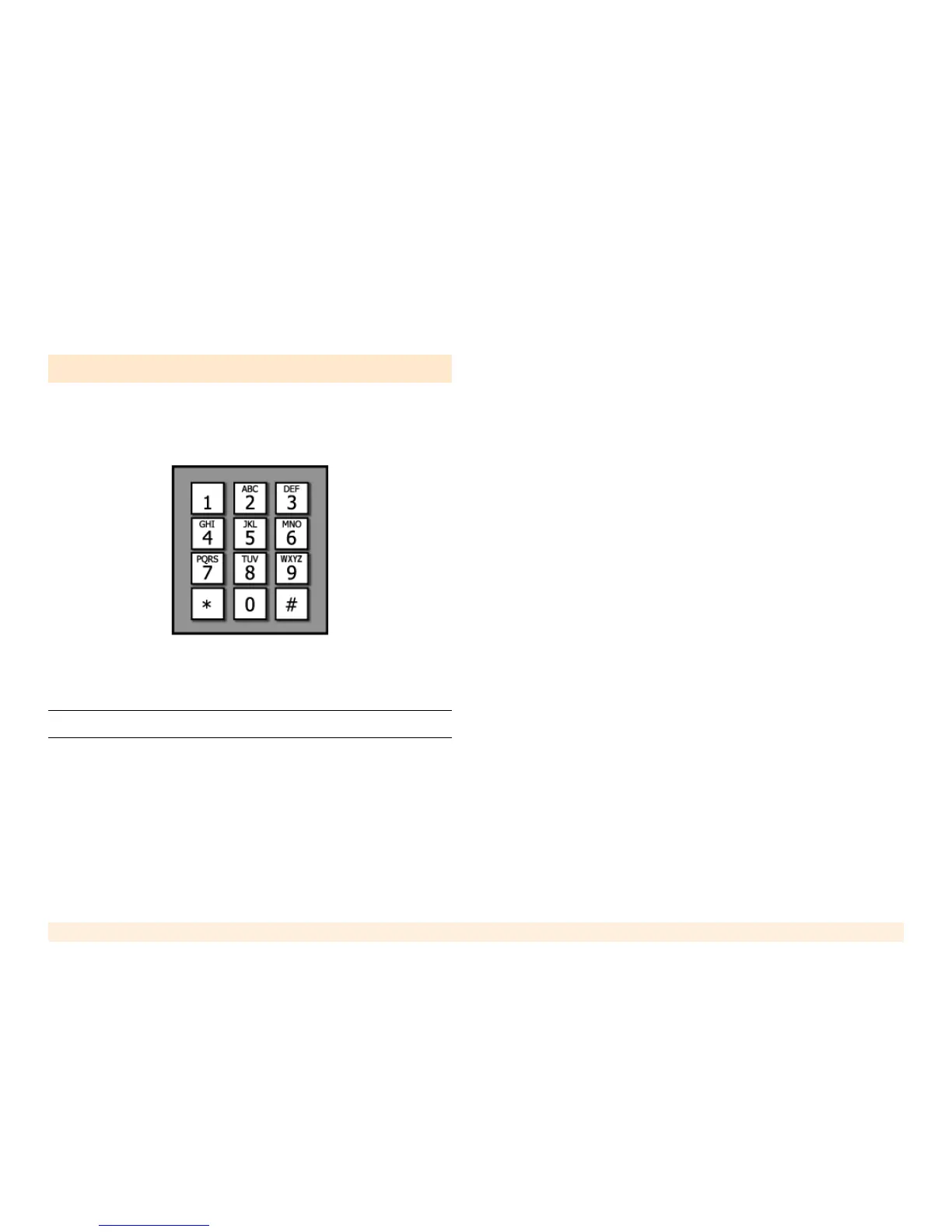
All programming is done using the keypad of a Dual Tone
Multi-Frequency (DTMF) telephone, similar to the keypad
pictured in this illustration.
To program the iGATE FCT:
1. Connect a DTMF telephone to the LINE connector.
Note: Alternately, dial through the PABX to the iGATE FCT unit.
2. Dial the sequence **1343**#. The iGATE FCT will
respond with 3 short beeps to confirm it. If the code
was wrong you will hear the error tone, meaning that
the command was not accepted (probably because
you entered it wrong). During programming:
• 3 short beeps indicate positive confirmation
(confirmation tone).
• 2 short beeps indicate rejection or inability to
perform the command (rejection tone).
3. Enter parameters using the DTMF tones. We recom-
mended that you check the function of every feature
you program and write it down, as there is no simple
way to know what was programmed into the channel.
If in doubt - reprogram the channel.
Note the following rules:
• The commands are in effect immediately after you
dial their codes.
• Each parameter is saved in the unit’s permanent
memory. The parameters will not be "forgotten" in
case of power failure.
• Each feature has a default value that is set during
production (Factory default).
• If you made a lot of changes and want to start from
fresh, or you want to delete all the programming
changes made to the channel - use the "Restore
Factory Default" feature.
4. Hang-up to leave the programming mode.



 To Next Page