TELES iGATE FCT User’s Guide 5
Previous Page Table of Contents Next Page
Installing the Unit
To install the iGATE FCT:
1. Select a location for the iGATE FCT. The location
must meet the following criteria:
• indoors
• near a power socket
• near a proper location for the antenna
2. Drill holes in the wall matching the wall mounting
brackets of the iGATE FCT.
3. Screw the unit onto the wall.
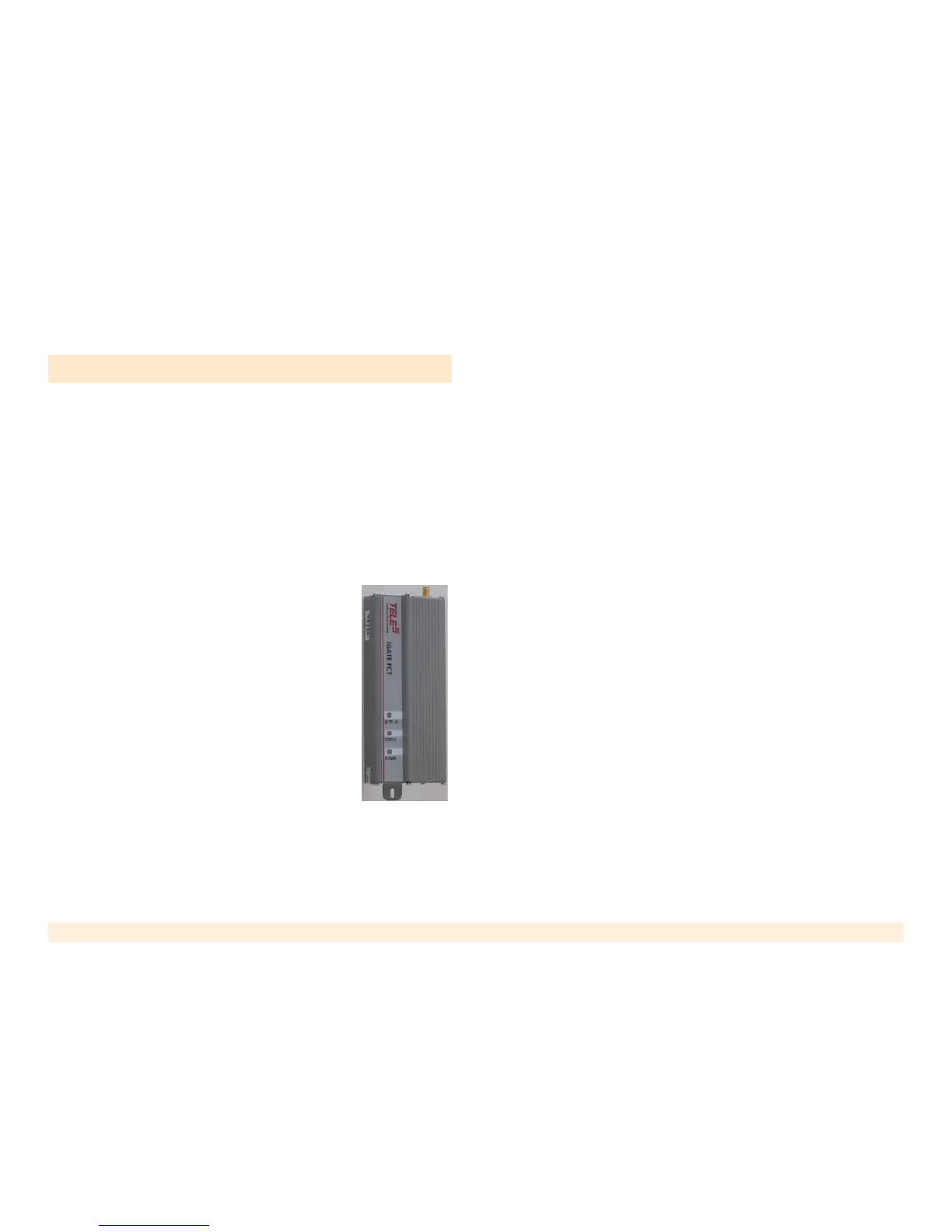
The unit must be placed in the orienta-
tion shown to the right, with the
antenna socket up and the connection
panel down.
4. Connect the antenna to the antenna
connector located on top of the unit.
5. Ensure that a separate metal plate is
available for each unit being installed.
Each antenna should be placed on a
metal plate. If metals plate are not
available, complete the installation and add the metal
plates later. The antenna base is magnetic, so an iron
plate is preferred.
6. Select a location for the antenna. The location must
meet the following criteria:
• at least one meter away from the unit
• with room for the metal plate
• with room for the antenna to stand in an upright
position
• if installing more than one unit, each antenna
should be on a separate plate with a minimum of
30 cm between each antenna.
7. Select a SIM card. The SIM card should meet the fol-
lowing criteria:
• It is easier to use a SIM card without a PIN code.
• If using a SIM card with a PIN code, we
recommend first resetting the PIN code to #1234.
(To program a SIM card, place it in a mobile phone
and follow the phone’s menu.) Then, either use
the default PIN code or change the PIN code using
the unit’s DTMF programming process.
• The SIM card should not support call waiting or
voice mail. If these features are needed, use a
mobile phone to define the message center for
SMS transmissions.
8. Open the SIM drawer by inserting a dull, thin object
into the button.
9. Place the SIM card in the tray. Ensure that the SIM
card’s contacts face the back of the tray.



 To Next Page