108
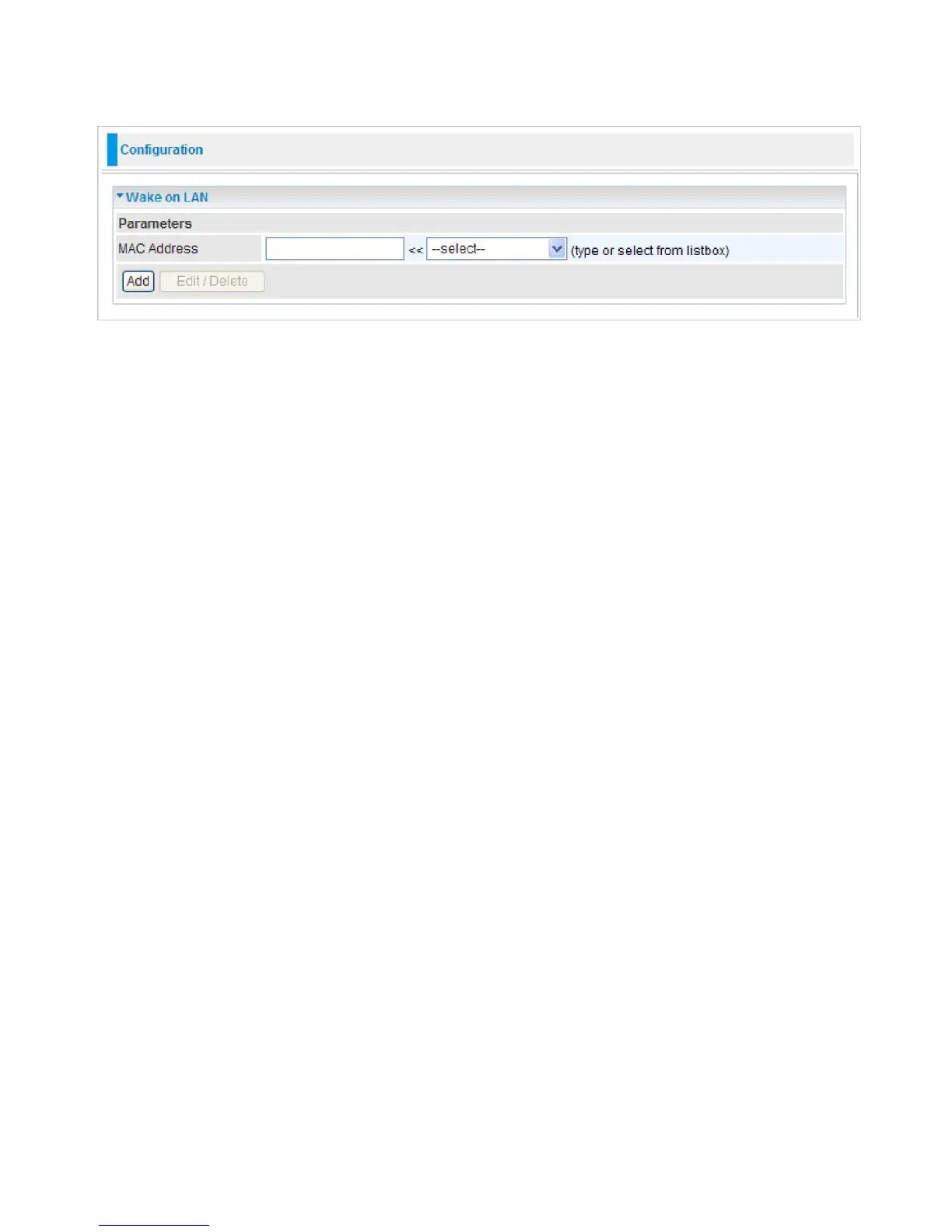
Wake on LAN
WOL allows the router to set a command to turn on a particular computer that can support this
feature.
MAC Address:
Enter the MAC address of the target computer or you can select the MAC address
directly from the
Select
drop down menu on the right. Click Add to save the setting.
Edit:
Check the Edit radio button to display the parameter of the selected entry, then after
changing the parameters click the "Edit/Delete" button to apply the changes.
Delete:
To remove a static route entry, check the Delete box of the selected entry then click the
"Edit/Delete" button.



 To Next Page