111
Static ARP
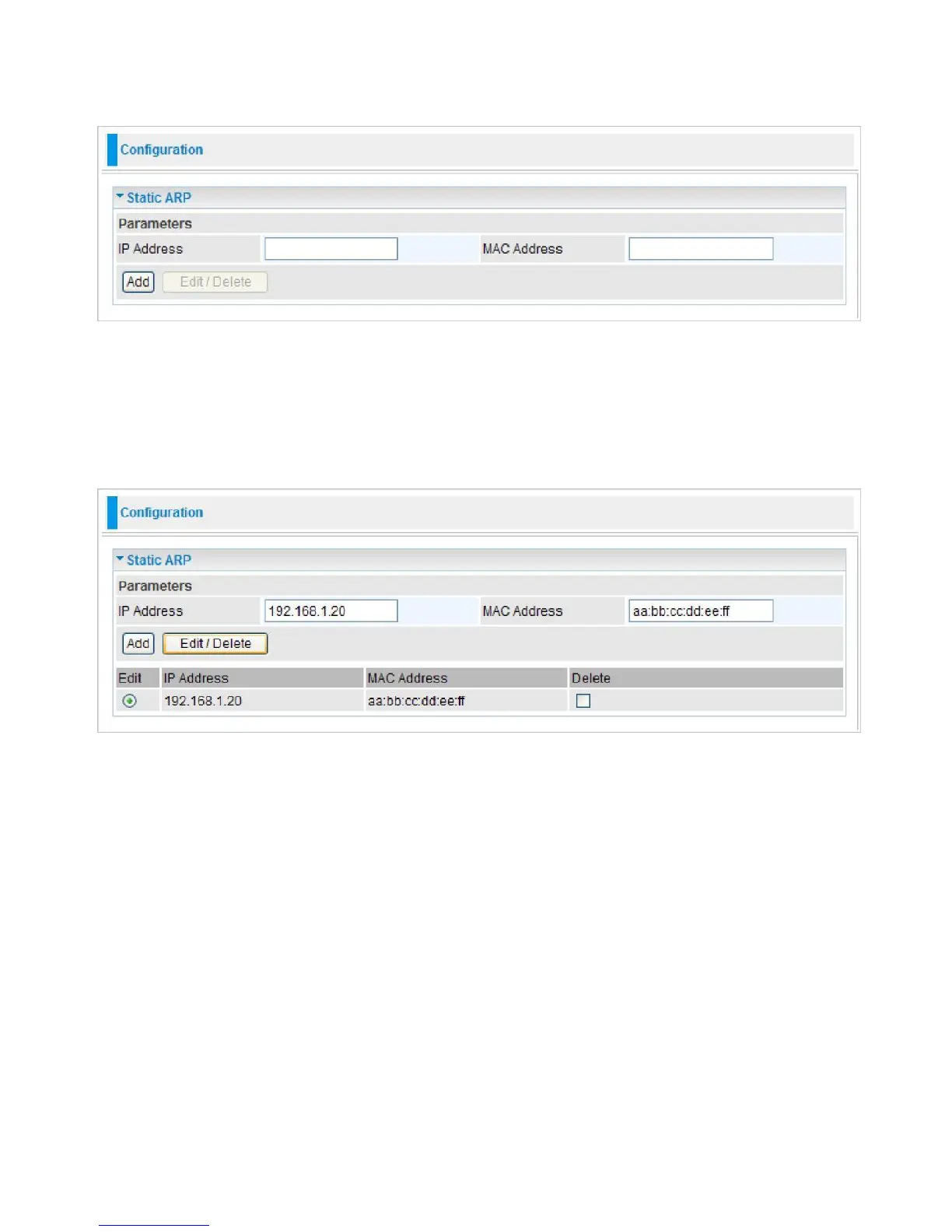
This feature allows you to map the layer-2 MAC (Media Access Control) address that corresponds
to the layer-3 IP address of the device.
IP Address:
Enter the IP of the device that the corresponding MAC address will be mapped to.
MAC Address:
Enter the MAC address that corresponds to the IP address of the device.
Click Add to confirm the settings.
Edit:
Check the Edit radio button to display the parameter of the selected application, then after
changing the parameters click the "Edit/Delete" button to apply the changes.
Delete:
To remove a static ARP entry, check the Delete box of the selected entry then click the
"Edit/Delete" button.



 To Next Page