Configuration via Web Interface
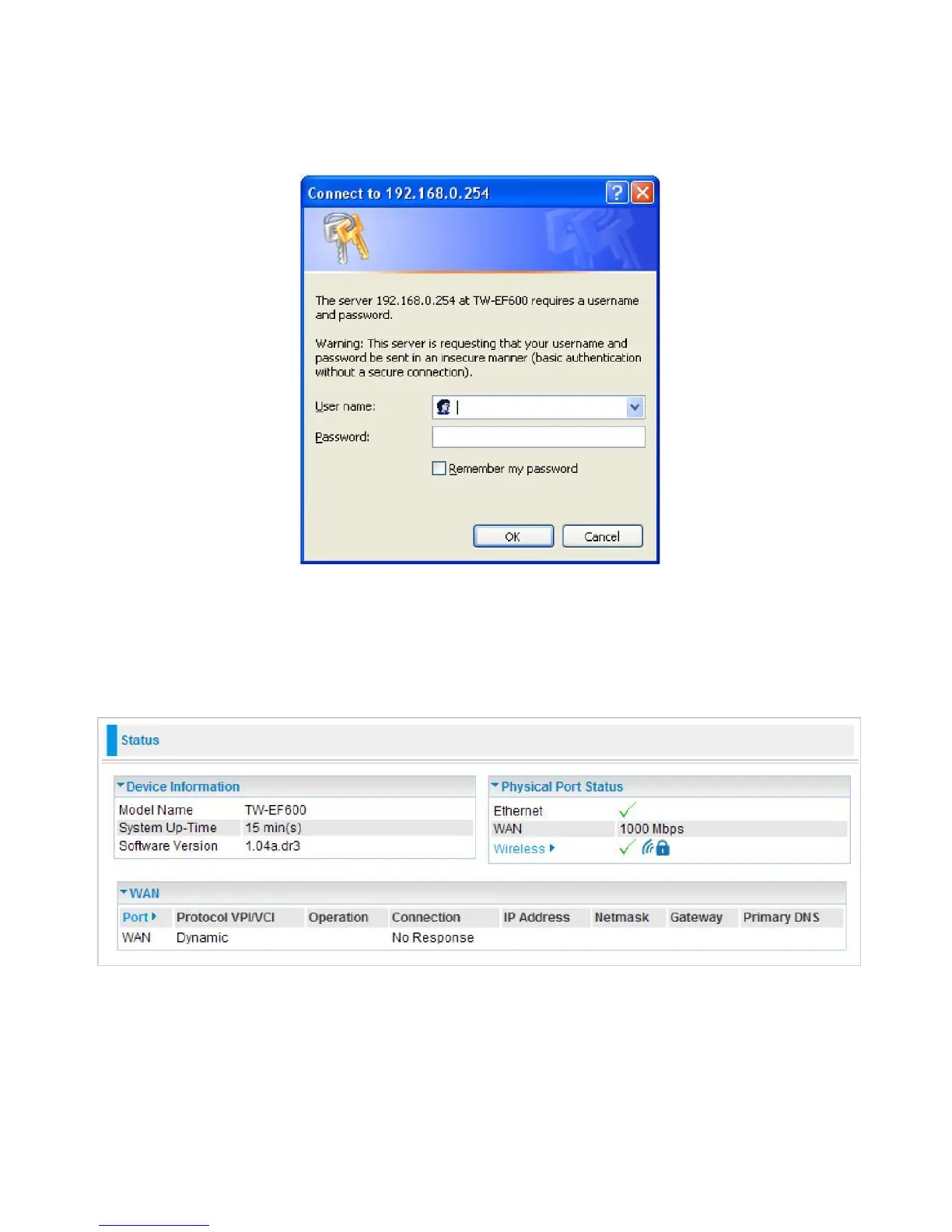
Open your web browser; enter the IP address of your router, which by default is 192.168.0.254, and
click “Go”, a login window prompt will appear. The default username and password are “admin” and
“admin” respectively.
Congratulations! You are now successfully logon to the Router!
If the authentication succeeds, the homepage Status will appear on the screen.



 To Next Page