Quick Start
Whether on the Basic or Advanced Configuration Mode, click Quick Start link to WAN Port setup
pages.
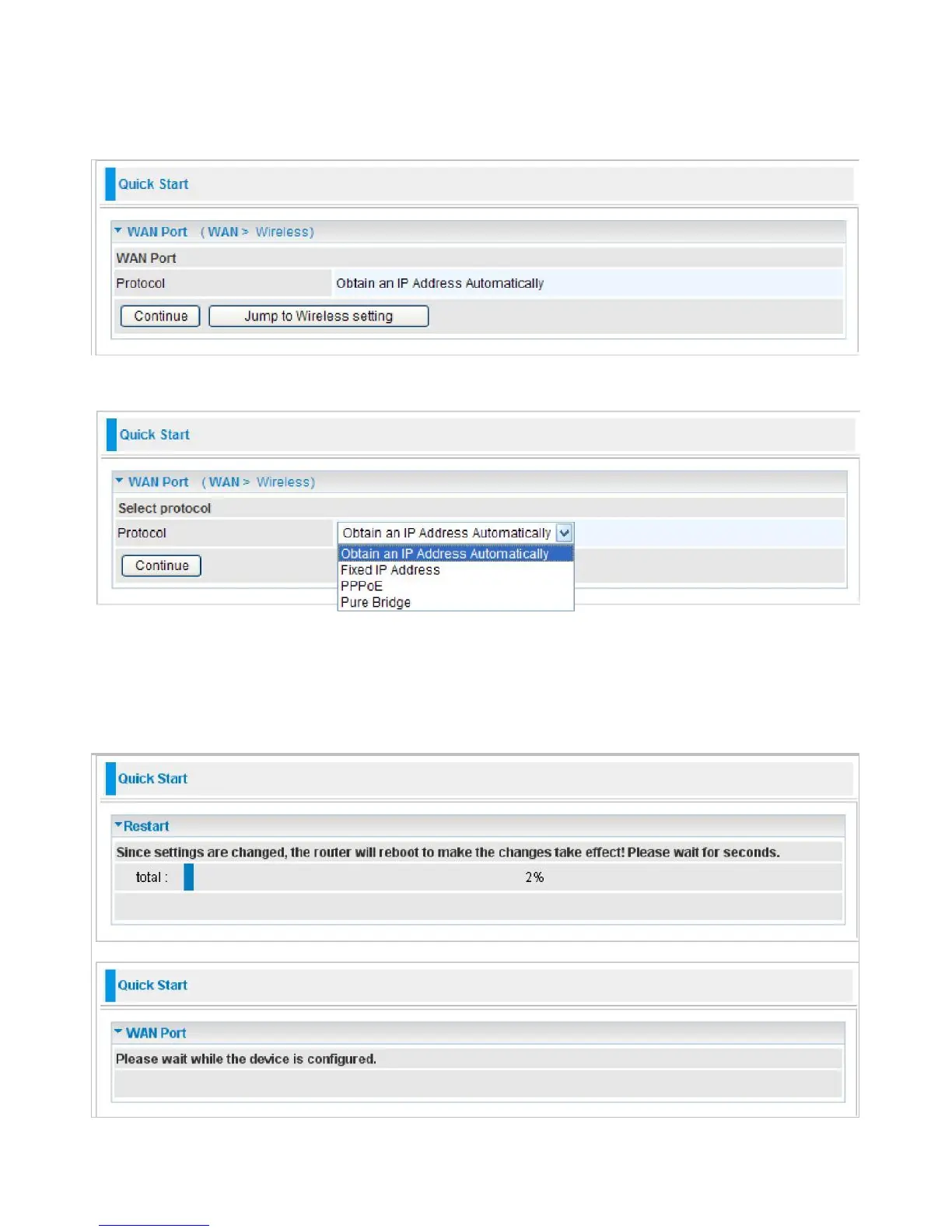
Step 1: This screen displays some information for WAN port. Press Continue to go to the next
configuration page.
Step 2: There are 3 types of connection protocols available for WAN connect mode.
Each type of
connection mode is described in the following sections of WAN Connect mode.
Step 3: After finishing configuring the WAN port connection, click Continue to proceed. The system
will upload and apply the new WAN port configuration to the device.



 To Next Page