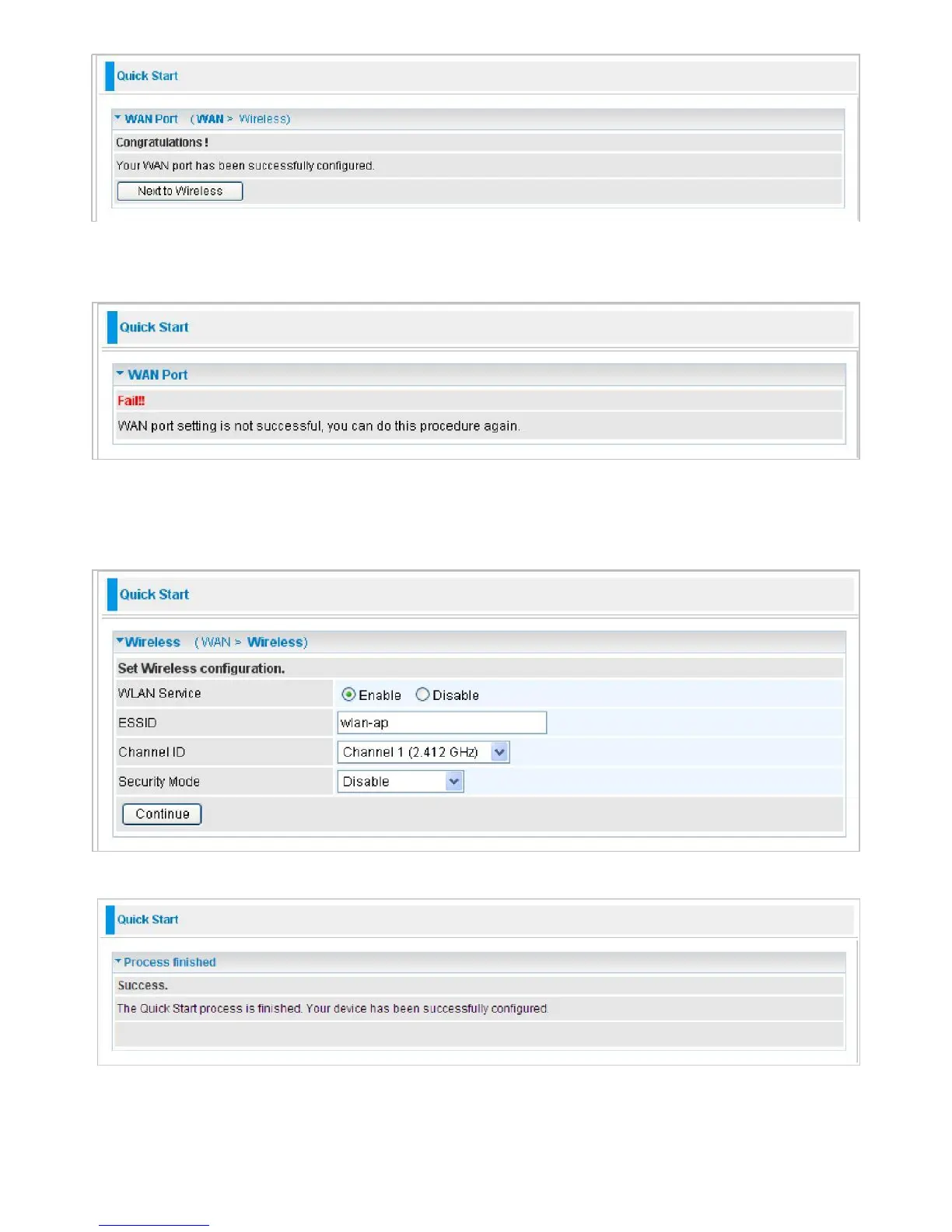
Note: If the WAN line is not ready, a page will display as below and your new configuration
can not be saved.
Step 4: After the configuration is successful, click Next to Wireless button and you may proceed
to configure the Wireless setting. There are 4 types of security mode: WPA, WPA2, and WPA/
WPA2 Pre-Shared Key and WEP. Please refer to the
Wireless Setting Mode
section for detail
description of each security mode.
Step 5: After finishing configuring the WLAN setting, press Continue to finish the Quick Start.



 To Next Page