124
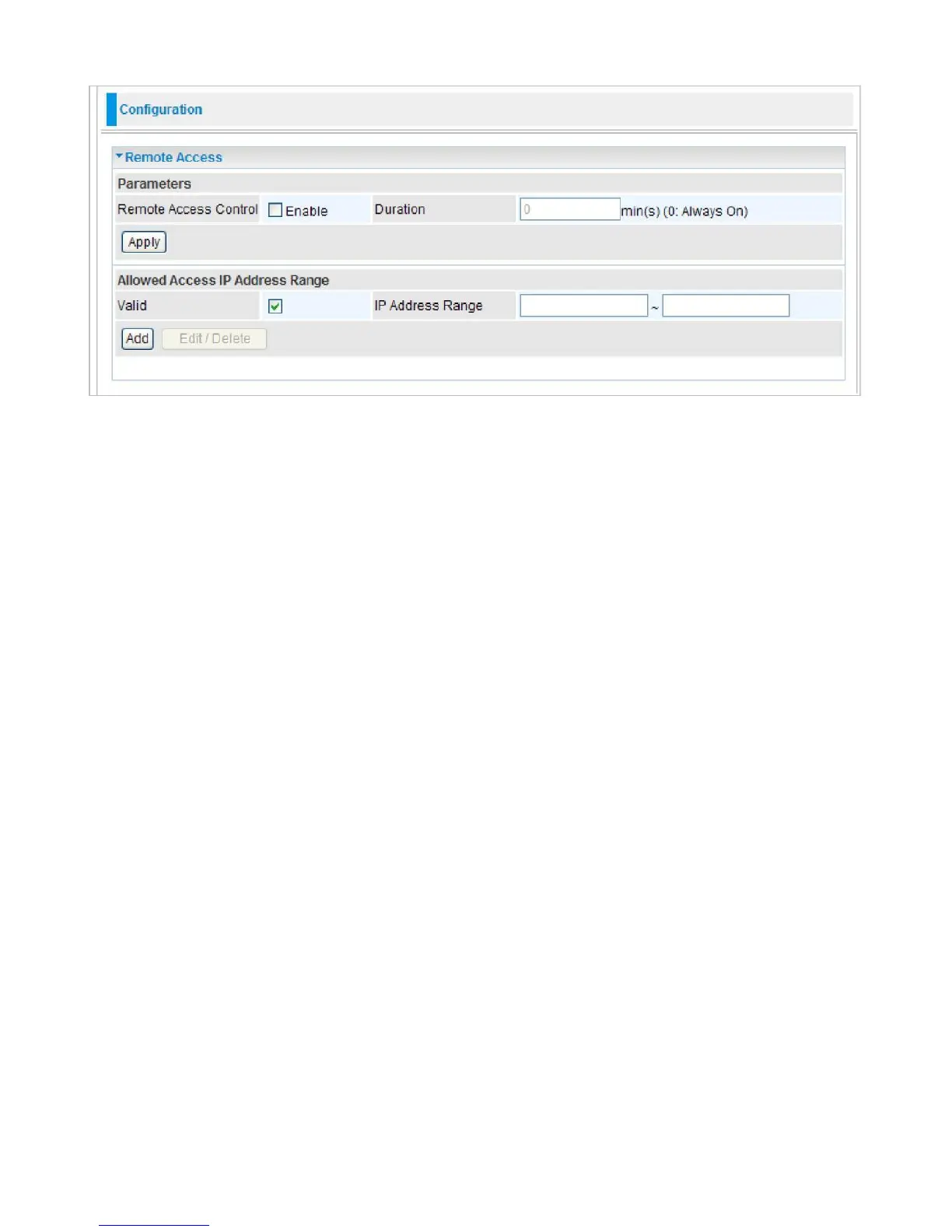
Remote Access
Parameters
Remote Access Control:
Select Enable to allow management access from remote side (mostly
from internet).
Click Apply to confirm the settings.
Allowed Access IP Address Range
"Allowed Access IP Address Range" was used to restrict which IP address could login to access
system webGUI.
Valid:
Tick to enable the IP address Range limitation.
IP Address Range:
Enter the IP address Range.
Click Add to add an IP Range to allow remote access.



 To Next Page