The detail instruction in Reset Button
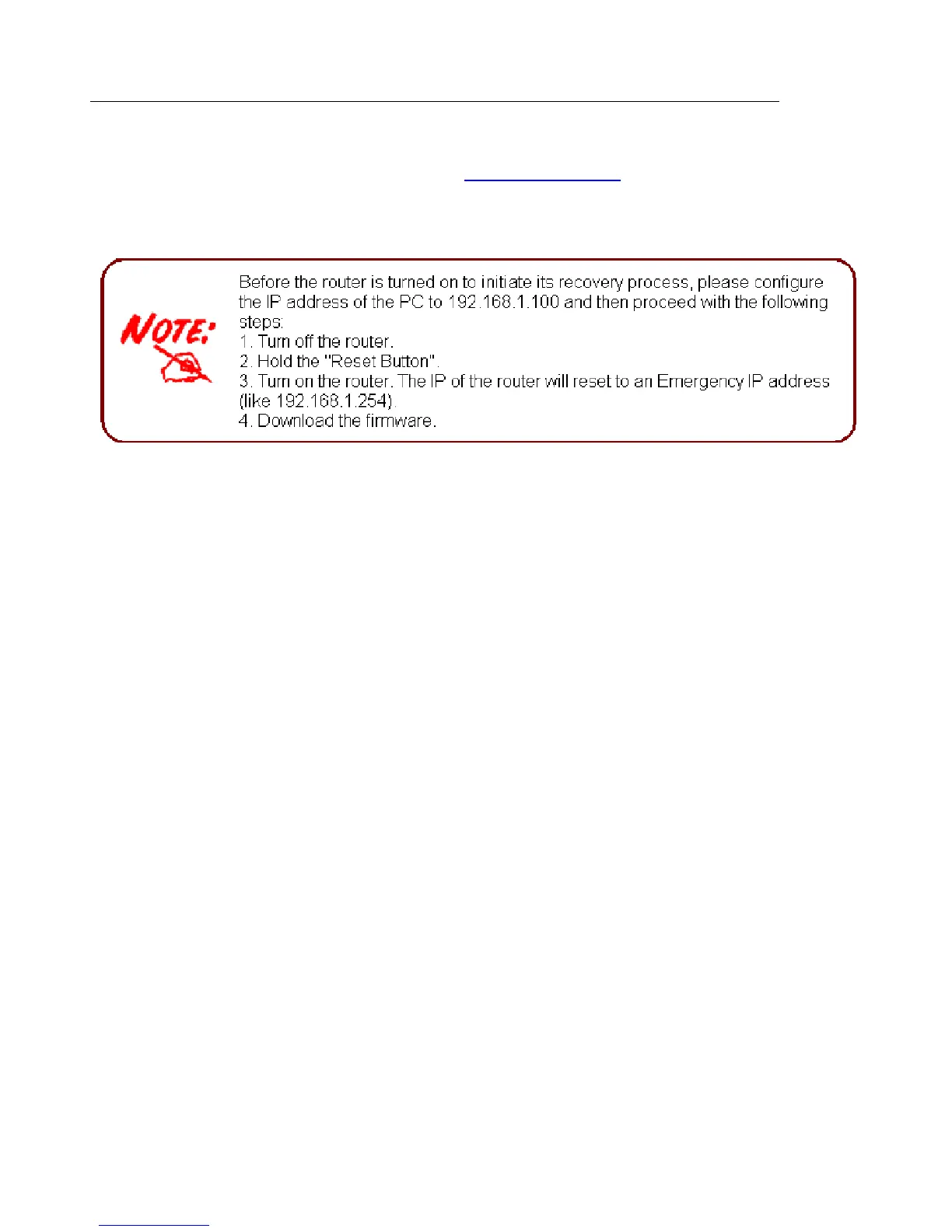
Recovery procedures for non-working routers (e.g. after a failed firmware upgrade flash):
Hold the Reset Button on the back of the modem in. Keep this button held in and turn on the
modem. Once the Power LED lights orange, release the Reset Button. The modem's emergency-
reflash web interface will then be accessible via http://192.168.1.254 where you can upload a
firmware image to restore the modem to a functional state. Please note that the modem will only
respond via its web interface at this address, and will not respond to ping requests from your PC
or to telnet connections.



 To Next Page