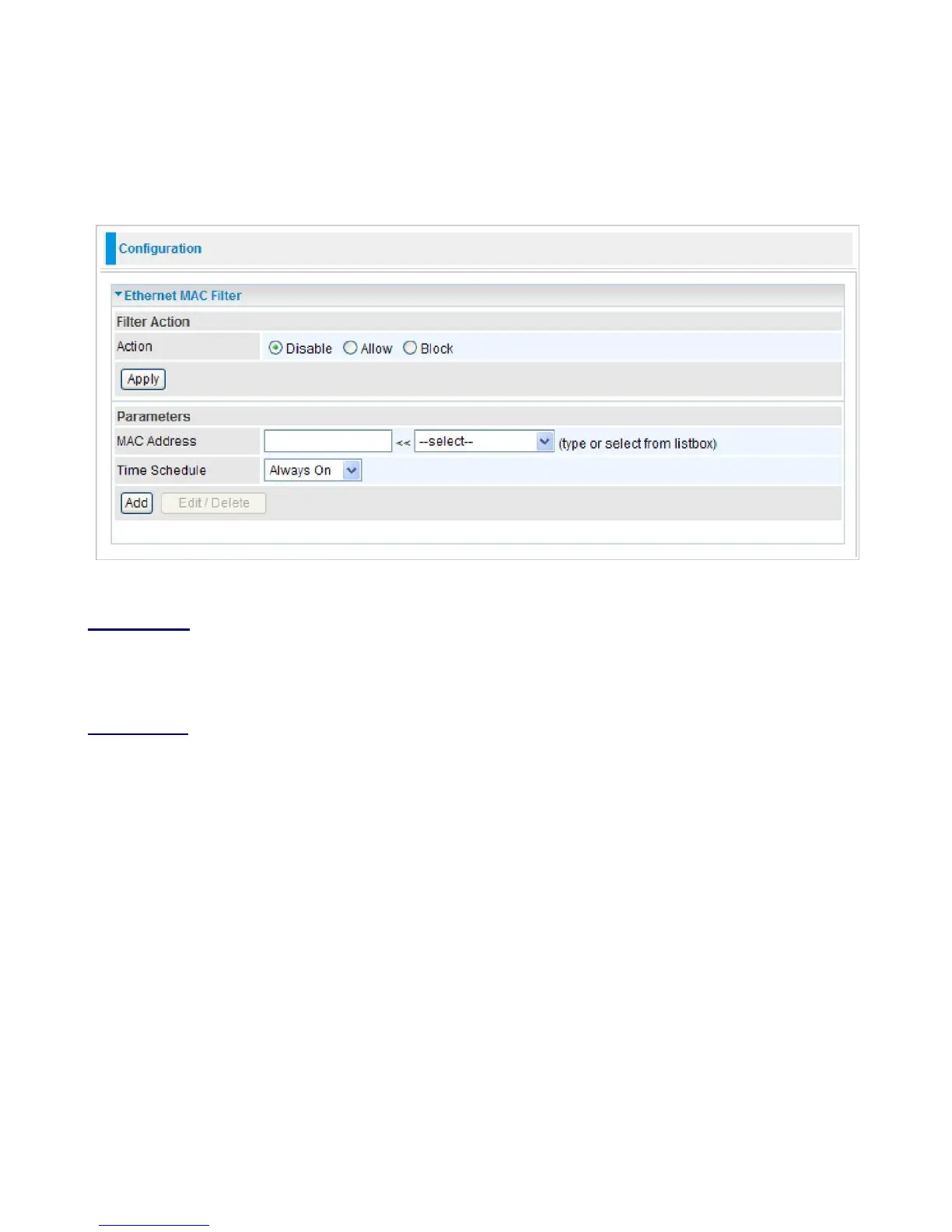
Ethernet MAC Filter
A MAC (Media Access Control) address is the unique network hardware identifier for each PC on
your network’s interface (i.e. its Network Interface Card or Ethernet card). Using your router’s MAC
Address Filter function, you can configure the network to block specific machines from accessing
your LAN.
There are no pre-defined MAC address filter rules, you can add the filter rules to meet your
requirements.
The format of MAC address could be: xx:xx:xx:xx:xx:xx or xx-xx-xx-xx-xx-xx.
Filter Action
Action:
Select an action for MAC Filter. This feature is disabled by default. Check Allow or Block
to activate the filter. Click Apply to confirm the change.
Parameters
MAC Address:
Enter the MAC addresses you wish to have the filter rule apply.
Time Schedule:
It is a self-defined time period. You may specify a time schedule for your
prioritization policy. For setup and detail, refer to Time Schedule section.
Click Add to apply the settings.



 To Next Page