10
Counting - Getting Started
BALANCE (Z)
Back
1234567.89
Balance (Z) =
Z Balance**
** only available on models with a keypad
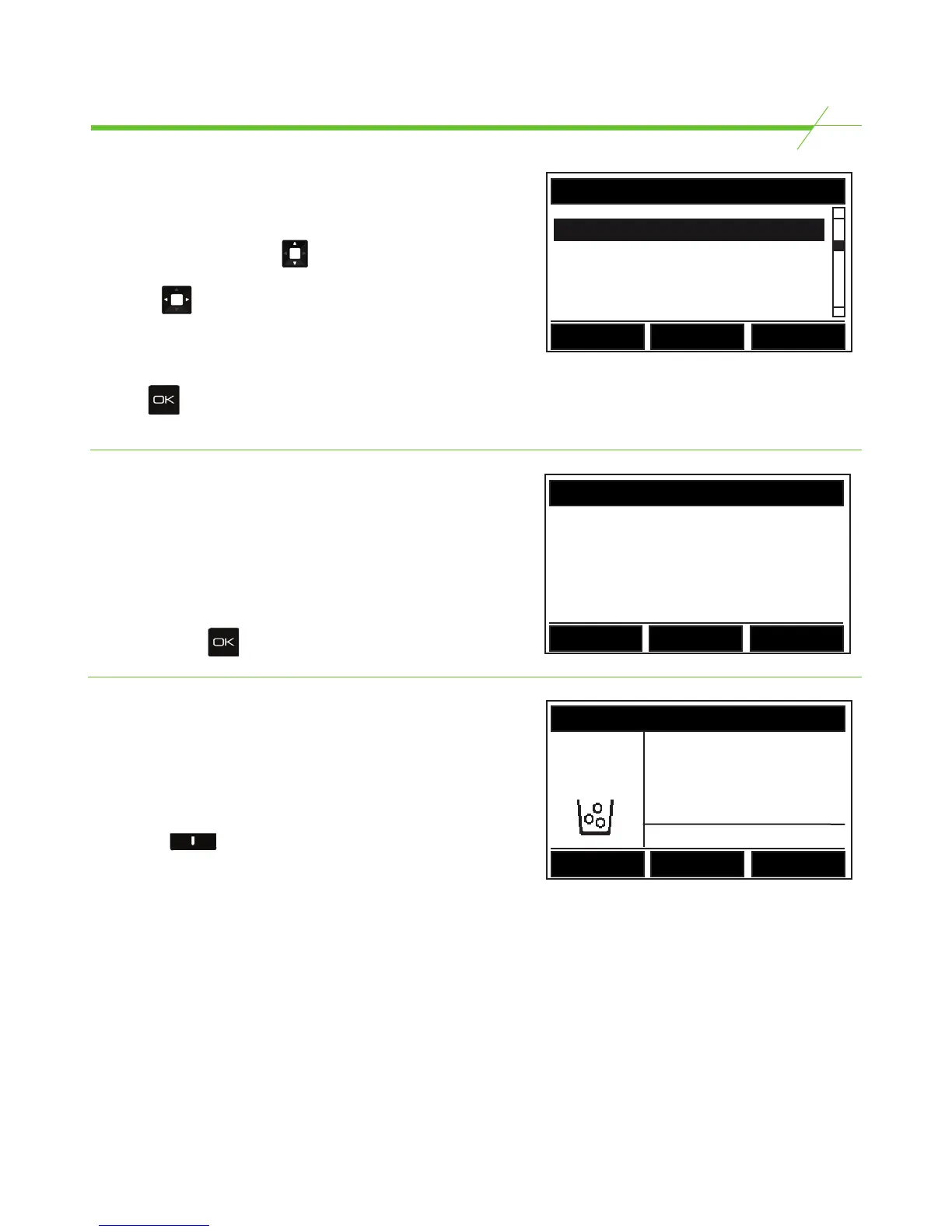
In certain models the user may be required to enter a
Z Balance (Also known as Expected Take, Zread, Xread).
This is the expected take for the day and the till contents
will be counted and balanced against this figure. To
enter a Z balance simply key in the value using the
keypad and press to confirm.
Selecting a Bank Value*
T-i
X
models may be programmed with 4 preset
bank values.
A bank value can be chosen at the beginning of a
count before anything has been added by pressing the
right hand key named “Bank” in the illustration.
Repeatedly press this button to scroll through the 4
preset values and no bank. Once a bank value has been
chosen, begin the count and the bank value will be
deducted from the total at the end of the count.
* Only available with certain models.
** Only available on models with a keypad.
Reference Numbers
T-i
X
has the capability to input reference numbers for
Registers, Cashiers, Operator and Store*. To enter a
reference number simply use to highlight the
reference, (Register is highlighted in this illustration)
then press to nudge the reference number between
0-99.
For T-i
X
models with a numeric keypad the user can
key in the number via the keypad and confirm by
pressing .
* Only available with certain models.
CLOSEOUT
Cashier 0
Register 1
Operator 0
Back
CLOSEOUT
Bank = $75.00
$4.27
Coins
1c
USD
x 427
Bank
Tellercup



 To Next Page