22
Set up Wizards
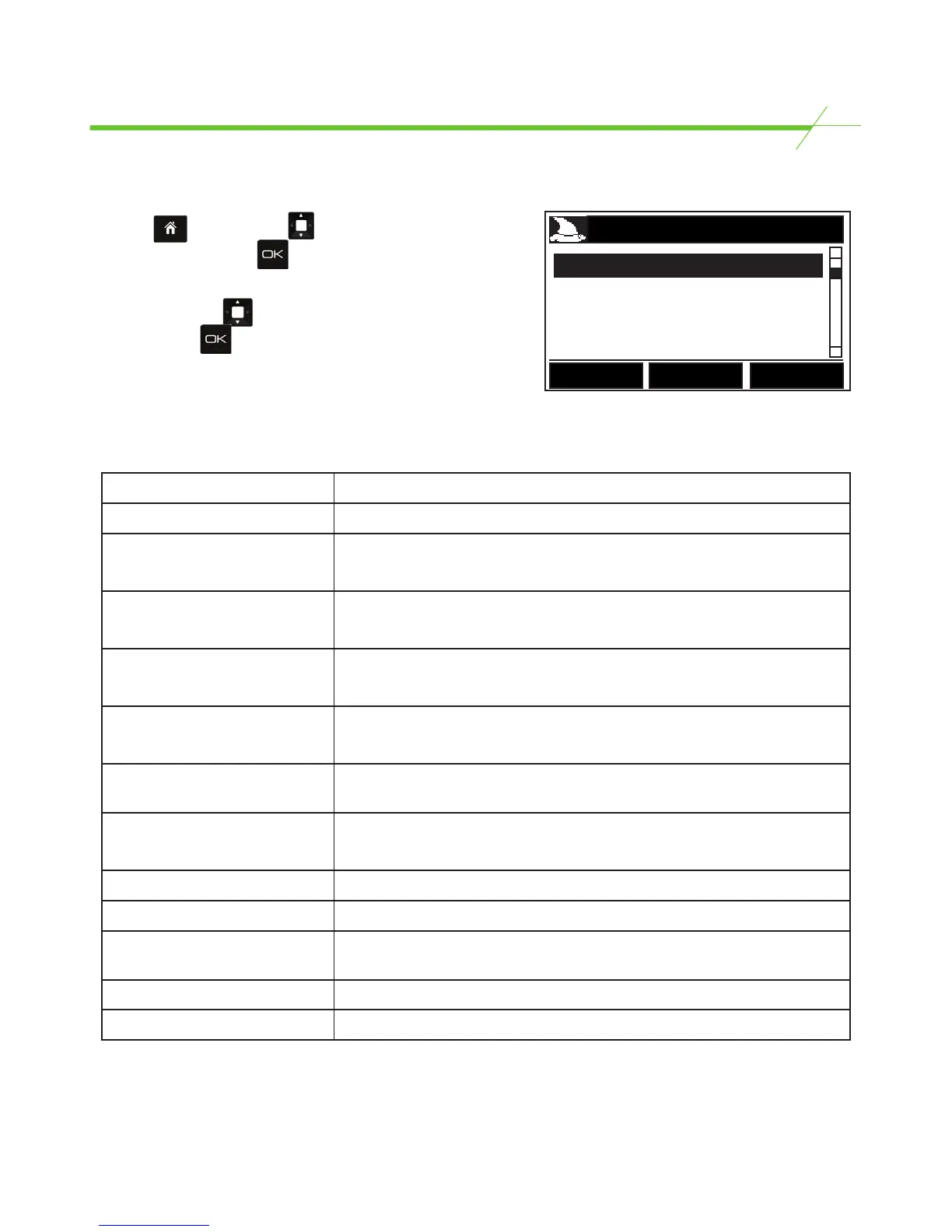
From the Page press the key and highlight
Setup Wizard. Now press .
T-i
X
will now display the Set up Wizard screen (shown
opposite*). Use the key to highlight the item to be
set up and press to enter.
*Setup Wizard options will differ by model.
T-i
X
set up wizards enable you to easily configure the unit to meet your needs.
Please see table below to show what can be configured for each item using the relevant wizard:
SET UP WIZARD
Coupon Wizard
Coin Wizard
Bill Wizard
Back
Bill Wizard Enable / disable and set weights for Bill denominations.
Coin Wizard Enable / disable and set weights for Coin denominations.
Coupon Wizard Enable / disable, edit name, set a value, set by number or value
and set weights for each coupon.
Token Wizard Enable / disable, edit name, set a value, set by number or value
and set weights for each token.
Other Media Wizard Enable / disable, & edit the name of each Key Entered Media item.
Reference Number Wizard Enable / disable, & edit the name of each Reference Number.
Packaged Bill Wizard Set package quantity and set weights and limits for packaged
bills.
Packaged Coin Wizard Set package quantity and set weights and limits for packaged
Coins.
Currency Wizard Enable / disable available currencies.
Count Task Wizard Enable / disable and edit names of tasks.
Exchange Wizard Enable / disable an exchange rate and to enter and exchange
value.
Bank Wizard Enable / disable and edit bank values.
Container Wizard Enable / disable containers.



 To Next Page