13
Counting - Coins
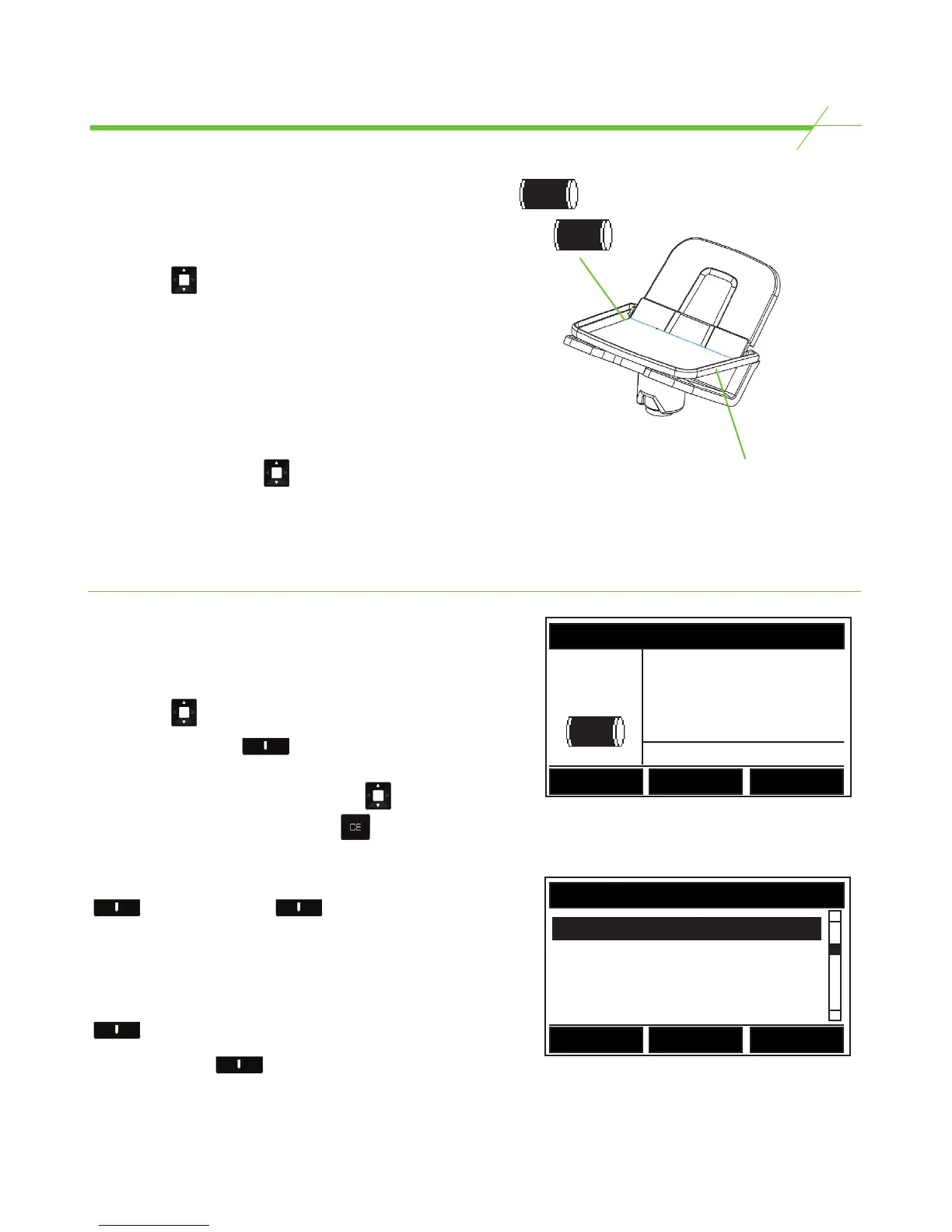
When counting coins in rolls or a
Tellercup it is advised that the tray is
placed down as shown in picture
Counting Full Rolls
T-i
X
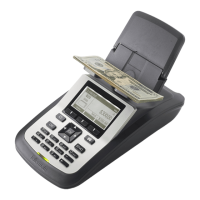
is set up to count full coin rolls of any denomination.
The next three sections show how to count full rolls.
• Use the key to select Full Roll.
• Place the full roll on the Money Platform. (T-i
X
will
automatically recognise the denomination)
• If there are more full rolls place them on the Platform
one by one.
• T-i
X
will hold about 5-6 full rolls on the platform.
• If “SUSPECT ROLL” is displayed, scroll to the
correct denomination using the button. The
total value of the roll will be displayed.
Review Full Roll Table
This mode allows one to view, clear or manually enter
the Full Rolls that have been counted.
• Use the key to select Full Roll.
• Press the left hand key to access the
review table.
• Select the denomination by using the key.
• To clear a denomination press the key.
To manually enter a denomination press the right hand
labelled + or center key labelled -
to increase / decrease full roll quantities by
denomination by increments of x 1 full roll.
Alternatively, to input or remove larger quantities of
rolled coin, key in the number of rolls then press the
key labelled - or +.
Press the left hand to return to the Full Roll
count screen.
CLOSEOUT
#1 Total = $41.09
++Added++
Full Roll
Full Roll
USD
Review
REVIEW SCREEN FOR
Full Roll
Back
-
+
1c x (2) 1.00
5c x (2) 4.00
10c x (6) 30.00



 To Next Page