20
Settings
Settings
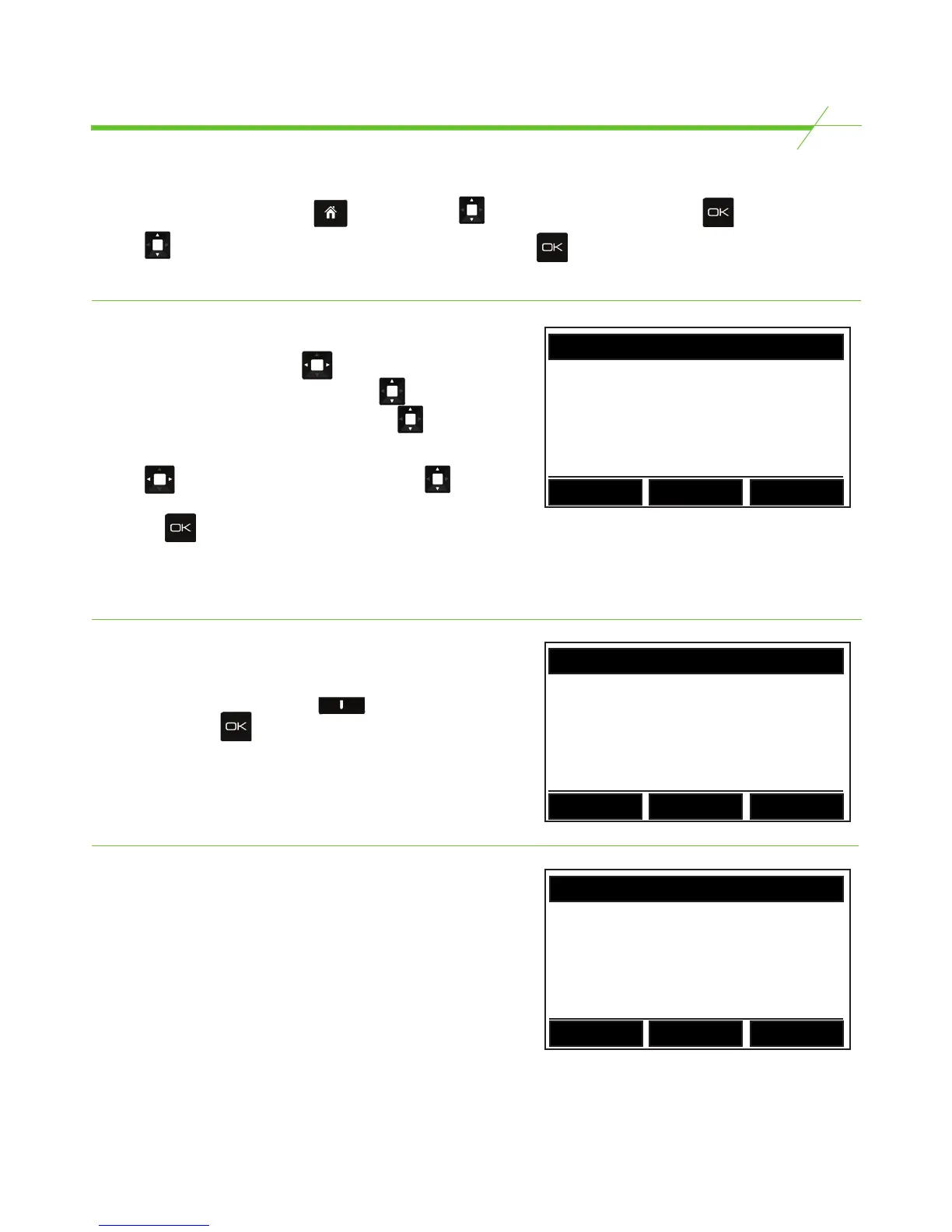
To access unit settings Start at the page. Using the key, scroll to SETTINGS and press .
Use the key to select an option from the SETTINGS list and press to enter that section.
Each section is described individually in the following section of this user manual.
Date and Time
To set the date and time use the key to highlight
the area that needs to change and press the key to
scroll through permitted numbers. Hold down for
quick scroll.
Use the key to move to highlight minutes and
to amend. Follow the same process to amend the date.
Then press to save changes.
For units that have a keypad follow above instructions but key in the numbers using the numeric
keypad instead of using the navigation keys.
Language
To change the language, toggle between the two preset
languages by using the right hand key, labelled
‘Change’ then press .
Note: Only one language is permitted at a time.
SOUND SETTINGS
ON
Press Change to amend and OK to
conrm
Back
Change
Sound
To Switch sound ON or OFF, follow on screen
prompts.
SET TIME hh/mm/ss
hh : mm : ss
mm / dd / 20yy
Back
LANGUAGE SETTINGS
Language : US English
Back
Change



 To Next Page