LTE Outdoor CPE | User Manual P. 27
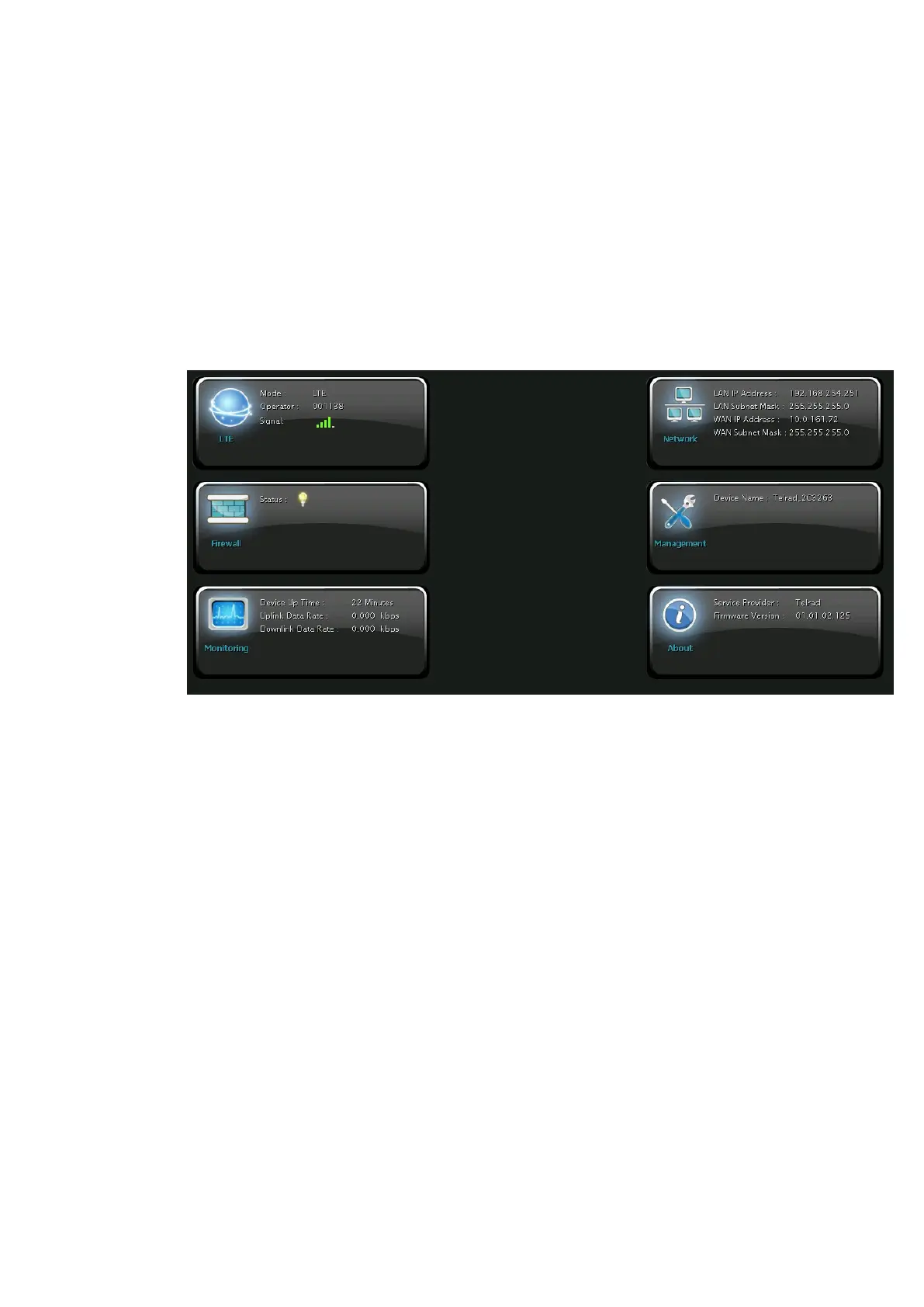
After login, users can see a “Brief Summary Page” about all functions of LTE CPE, each block
is a link to “Detailed Configuration Page”.
(Ex: Click “Network”, you can go to “Network” main menu with sub-menu like DHCP or Port
Forwarding and other settings about Network)
Detailed information for each block is in the below table.
GUI Interface


 To Next Page
 Loading...