LTE Outdoor CPE | User Manual P. 56
Reset fields to the last saved values.
Apply button
Commit the changes made and save to the CPE device, some
services will be reloaded.
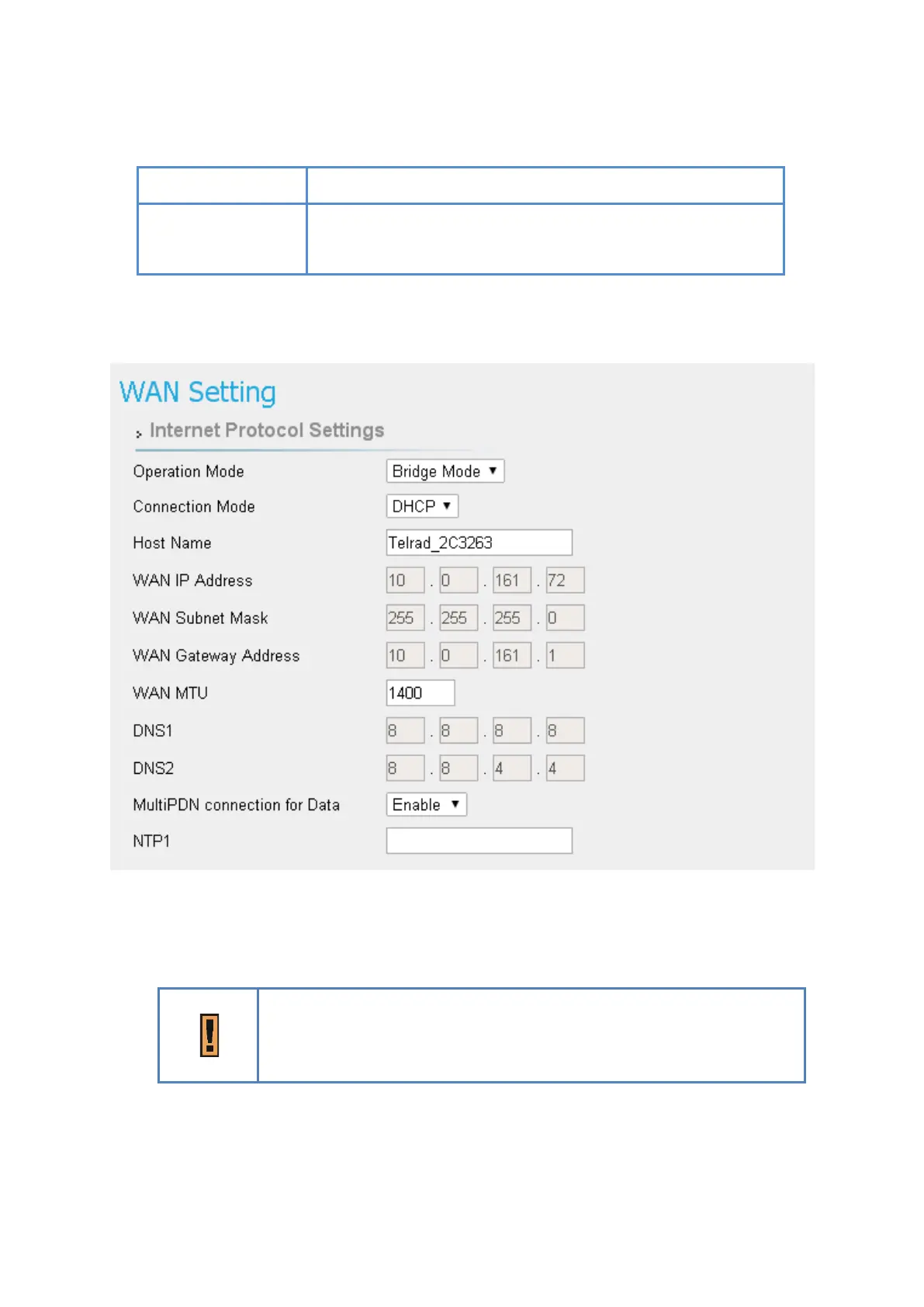
Network | WAN Setting (Bridge Mode) - NOT SUPPORTED BY TELRAD
Network > WAN Setting
●
Operation Mode: users have NAT, Tunnel, Bridge and Router Mode to choose from.
The following pages show how to configure “Bridge mode”.
Changing the “Operation Mode” needs reboot to take effect. A pop-
up window will ask users to “Reboot” or “Continue
“Reboot”, CPE would reboot right away. If you select “Continue”, CPE
would not reboot automatically, you need to reboot it manually.



 To Next Page