LTE Outdoor CPE | User Manual P. 57
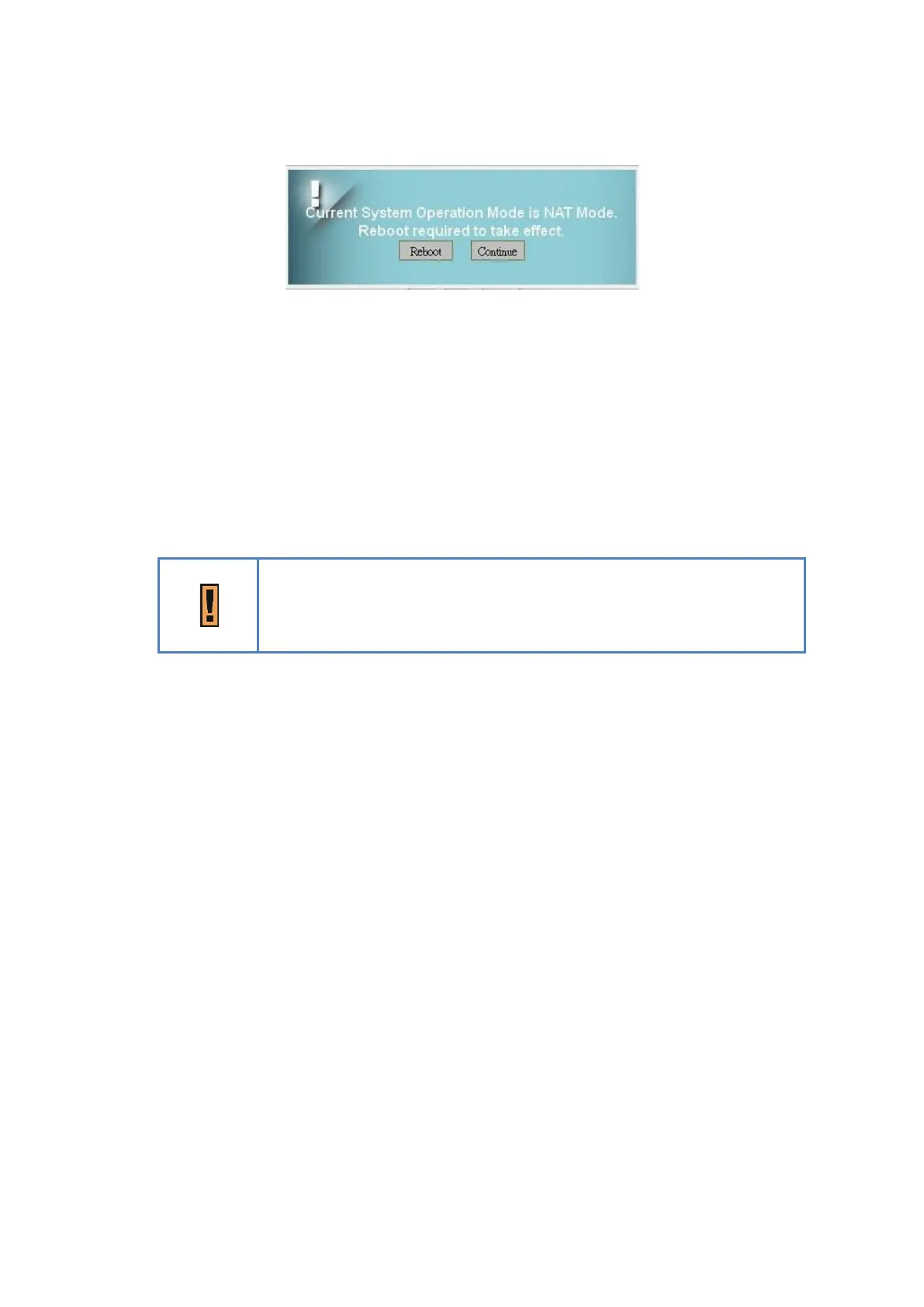
Pop-up windows for reboot confirm
●
Connection Mode: “DHCP” or “Static”.
➢ If “DHCP” mode is selected, CPE would automatically acquire configuration
information from a DHCP server.
➢ If “Static” mode is selected, users have to manually enter the required
information in below fields.
●
Host Name: Currently no function.
Just an example here, in general, it will be like XXXXX_YYYYYY
(XXXXX = Service Provider)
(YYYYYY = Last six words of WAN MAC)
●
WAN IP Address/ Subnet Mask/ Gateway Address: These values are un-editable when
“Connection Mode” is “DHCP” and editable when “Connection Mode” is “Static”.
●
WAN MTU: This value is “Maximum Transmission Unit”. It is the largest size of a single
packet.
●
DNS1/2: Domain Name Server. It is editable when users select “Static” in “Connection
Mode”. Otherwise, these values will be given by DHCP server.
●
MultiPDN connection for Data (Only in Bridge Mode): If it is enabled, CPE will pre-
create PDN connections for local clients. Thus, a client requests an IP address from CPE,
CPE will reply an IP gotten from one of APN.
If it is disabled, only one default PDN will be established, clients need another way to
get IP address.
Below is an example for “enabled” case.


 To Next Page