LTE Outdoor CPE | User Manual P. 58
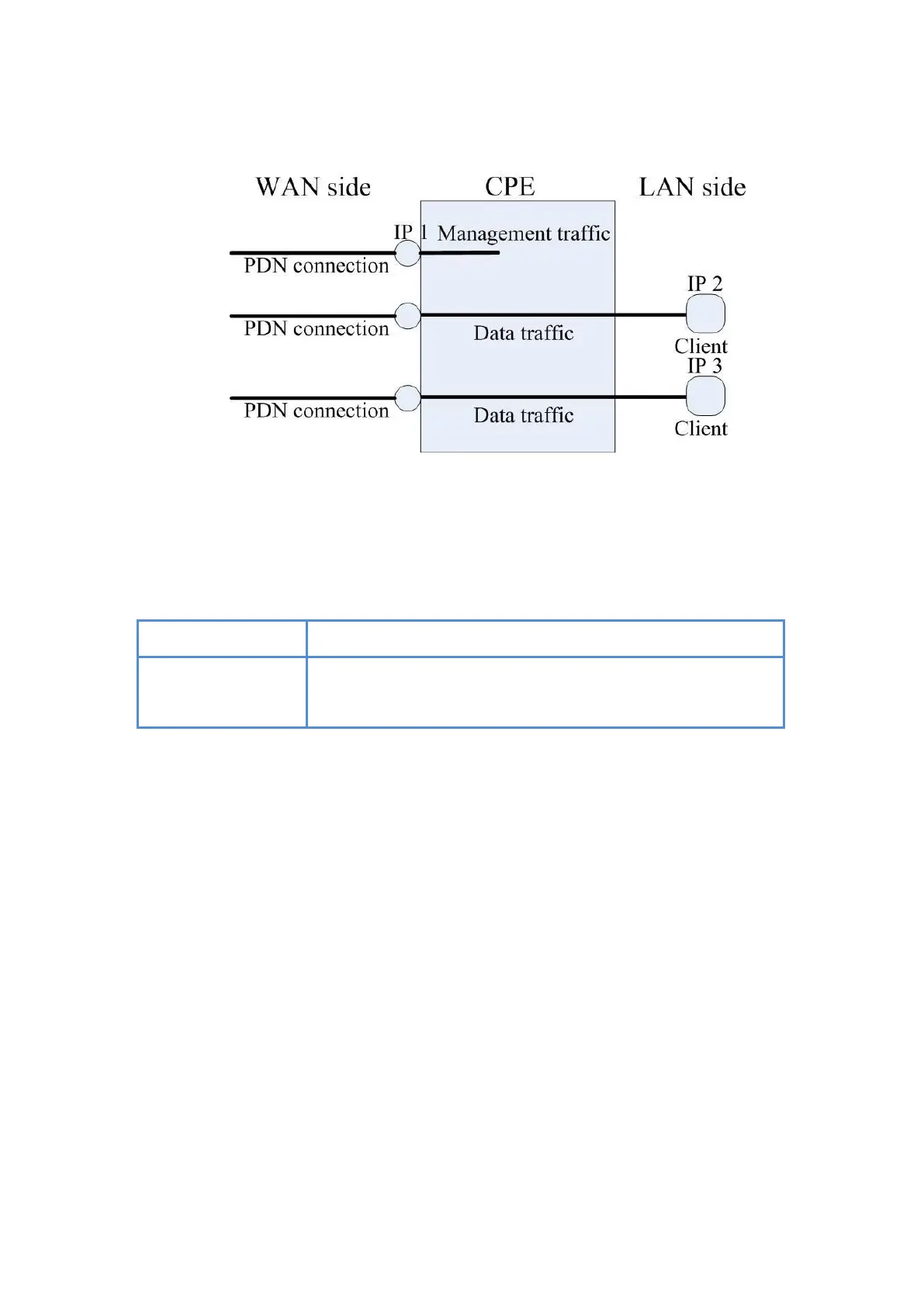
Multi-PDN in Bridge Mode
●
NTP1/2: It is used to calibrate the time in CPE. Users can specify two NTP
servers in “IP” or “Domain name” format. For example 45.79.167.181or 0.us.pool.ntp
Reset fields to the last saved values.
Apply button
Commit the changes made and save to the CPE device, some
services will be reloaded.
Network | WAN Setting (Router Mode)
●
Operation Mode: users have NAT, Tunnel, Bridge and Router mode to choose from.
The following pages will show how to configure “Router mode”.



 To Next Page