LTE Outdoor CPE | User Manual P. 63
If users want to know DNS Servers obtained from ISP, It can be found
in “Network > Status > WAN Information > DNS Server”
●
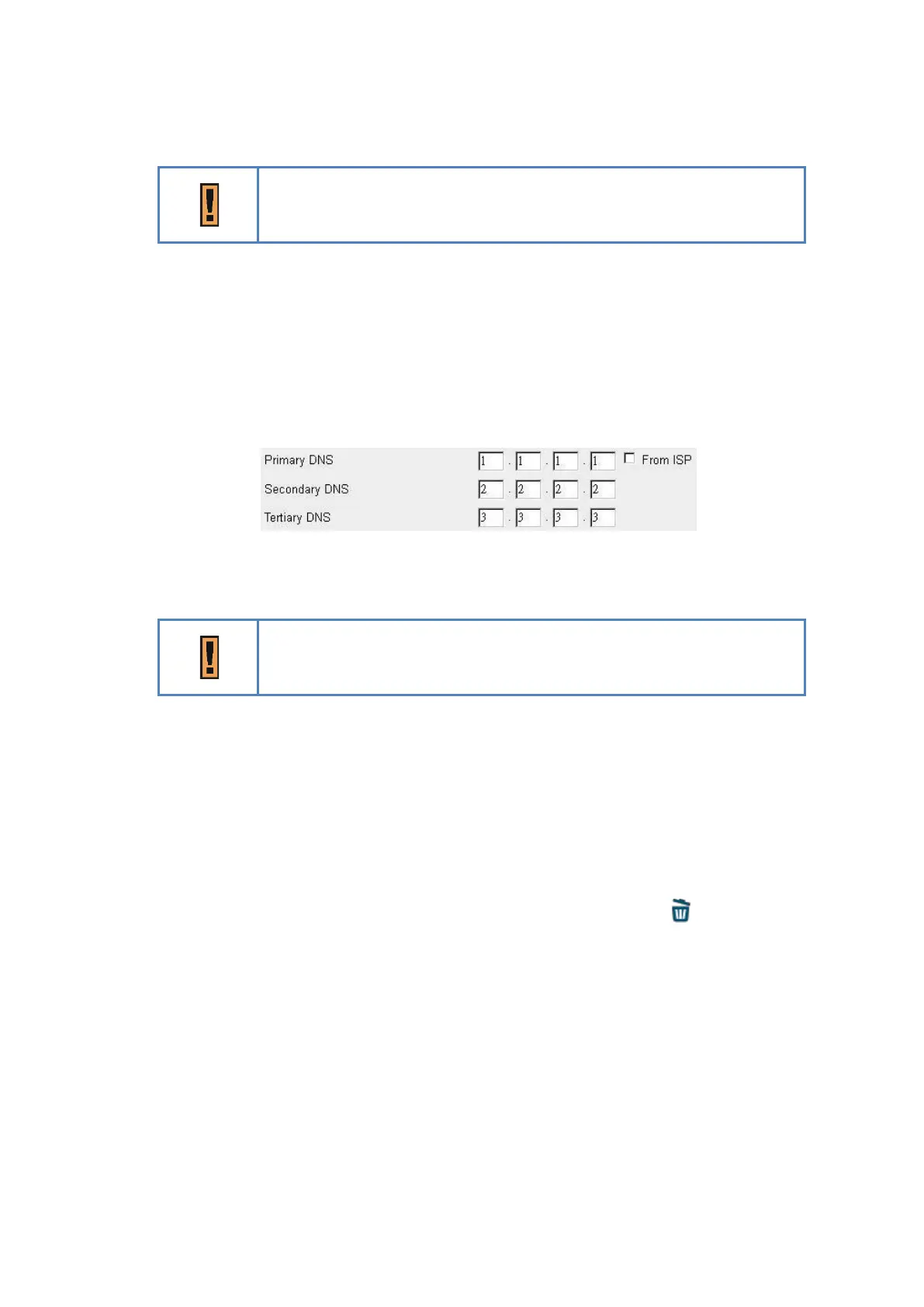
Primary/Secondary/Tertiary DNS: If the checkbox “From ISP” is not ticked, users can
designate the DNS server for DHCP clients. Two pictures below are captured from CPE
and a PC in LAN, DNS fields are “1.1.1.1”, “2.2.2.2” and “3.3.3.3”. Clients’ DNS request
will be directly sent to the first operative server in the order of primary, secondary and
tertiary DNS.
Network > DHCP Server > not From ISP
“1.1.1.1”, “2.2.2.2” and “3.3.3.3” are examples.
●
DHCP Lease Time: The life time of the IP assigned by DHCP server( range: 2 minutes-
365days)
● Lease Reservation Table: This table records the mapping of MAC and IP addresses.
Clients with the specific MAC address in the table would get the corresponding IP address.
Click “Add +” button to add a new mapping, clicking “Delete” icon ) to delete it. To
enable the mapping, users have to tick the “Enable” checkbox.
An example is illustrated below. If a client with MAC Address “11:22:33:44:55:66”
requests IP, DHCP server will assign IP “192.168.254.222” and the host name “Example”
to it.



 To Next Page