LTE Outdoor CPE | User Manual P. 93
➢ Remove Last Good: Remove the last saved configuration.
➢ Reset to Last Good: Load the last saved configuration.
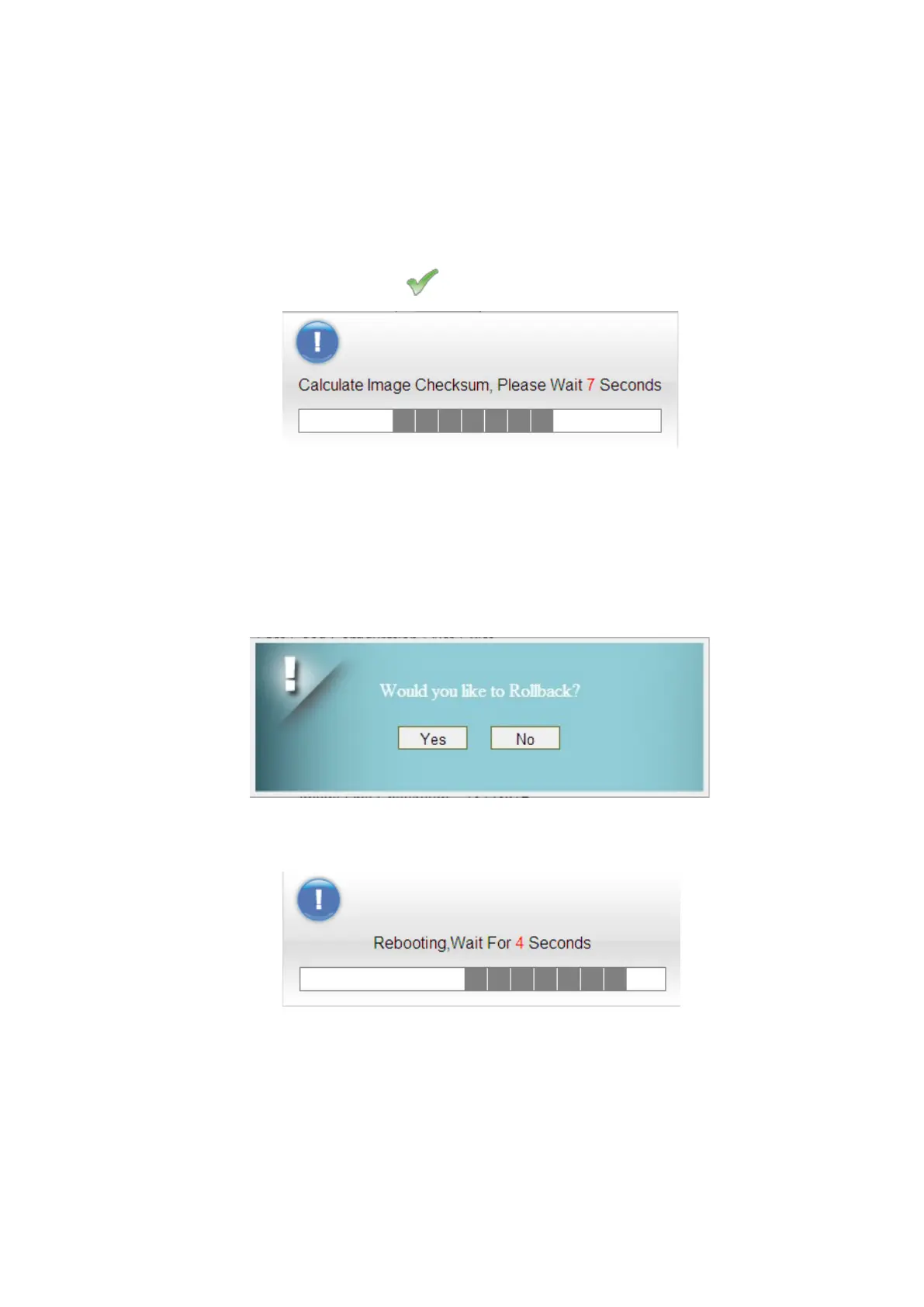
● Integrity Check: Integrity check for the software used in the device in case the storage
device is broken. The green check indicates the investigation is passed.
Integrity Check Window
● Rollback Settings: CPE saves two firmware with possible different versions in CPE. CPE
would choose one of them. Users can press rollback to switch to use another firmware.
A “Rollback confirming” window pops up and then starts rebooting to have change taken
effect.
Rollback confirmation window
Rebooting window


 To Next Page