LTE Outdoor CPE | User Manual P. 97
button.
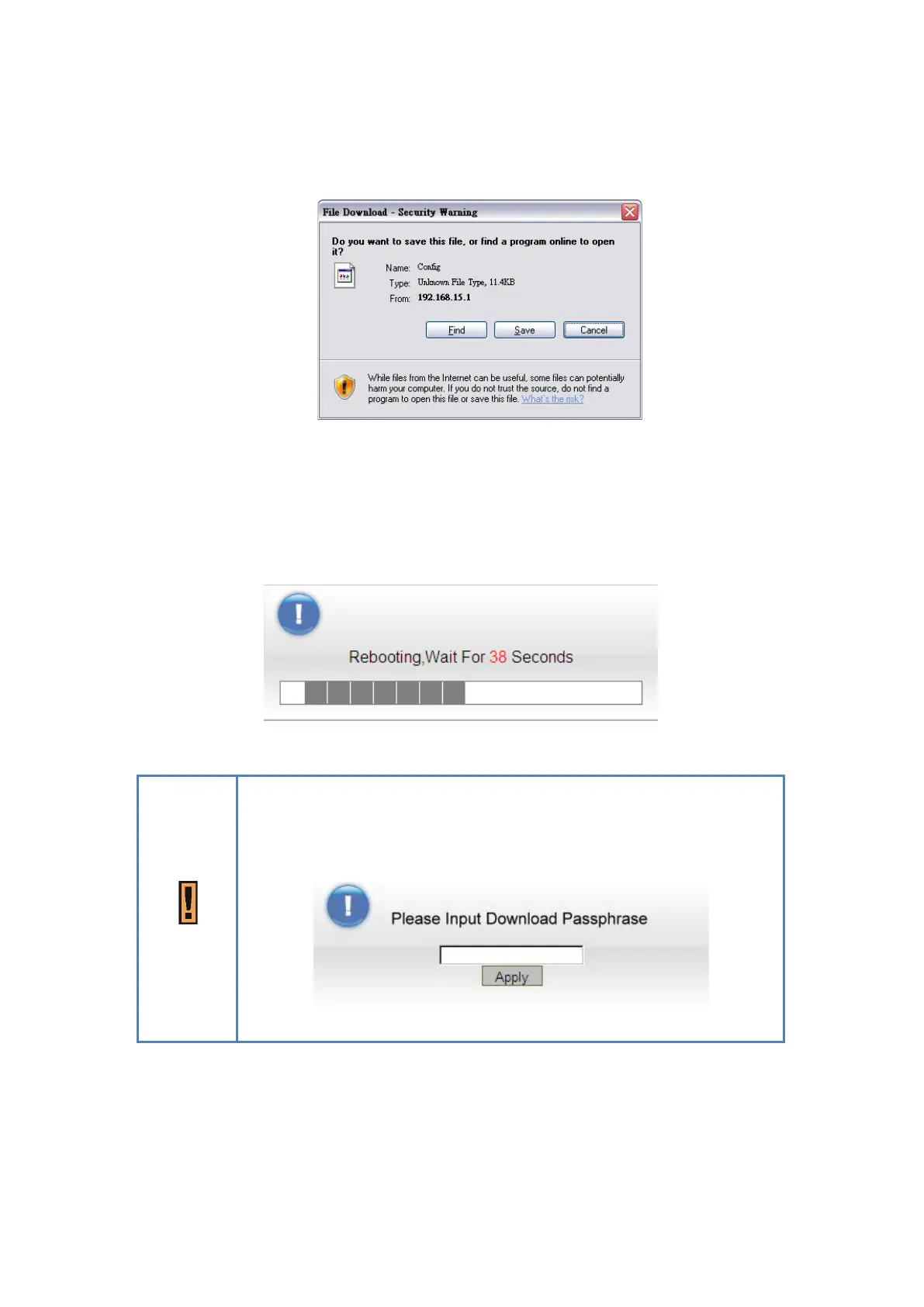
File Download Window
If user wants to restore the system to the restore the configuration, click “Browse”
button to select the previously saved configuration file, and then click “Restore” button
to restore the system to the previous settings.
Management > Software > Upgrading Window
A window will be popped up to let users to key in the passphrase when
users save/restore the configuration. Please note that the entered
passphrases need to be consistent when users do save/restore
process.
Enter Passphrase Window


 To Next Page