50
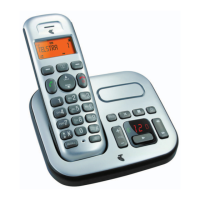
MESSAGE wINDOw DISPLAYS
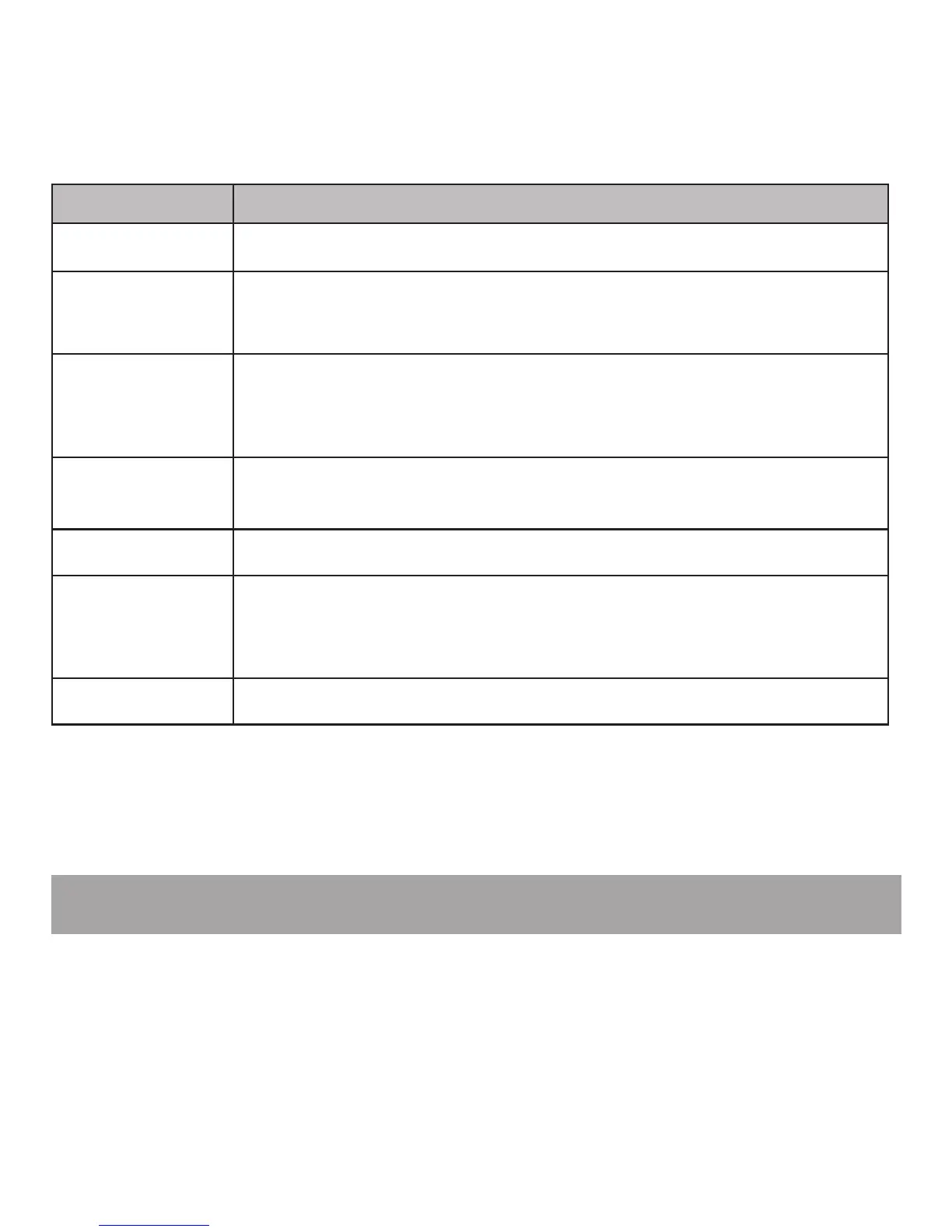
Window display Description
00
No messages.
01-99
The total number of old messages and memos recorded.
The message number currently playing.
00-99
(ashing)
The total number of new messages recorded, or the current
message number during new message playback.
The clock needs to be set.
01-99 & F
(alternating)
The answering system memory is full with total number of
messages recorded.
L1-L8
The telephone base ringer level while adjusting.
A n & 01-99
(alternating)
The answering system is answering a call, or recording a
memo or announcement.
The answering system is being accessed remotely.
- -
The answering system is turned off.
REMOTE ACCESS
A four-digit security code is required to access the answering system remotely from
any touch-tone telephone. The preset code is 0000. See Remote access code on
page 48 to change it.
Dial your telephone number from any touch-tone telephone.
When the answering system answers, press * and then enter the four-digit
remote access code.
1.
2.
Note: Remote access can only be used if this function is activated.



 To Next Page