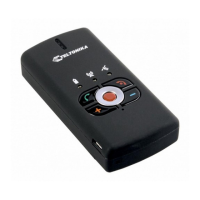
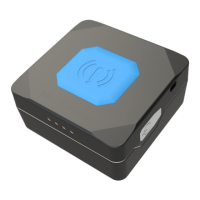
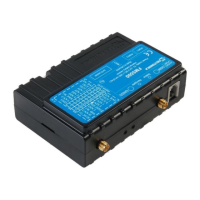
9
Quick SMS configuration
Default configuration has optimal parameters present to ensure
best performance of track quality and data usage.
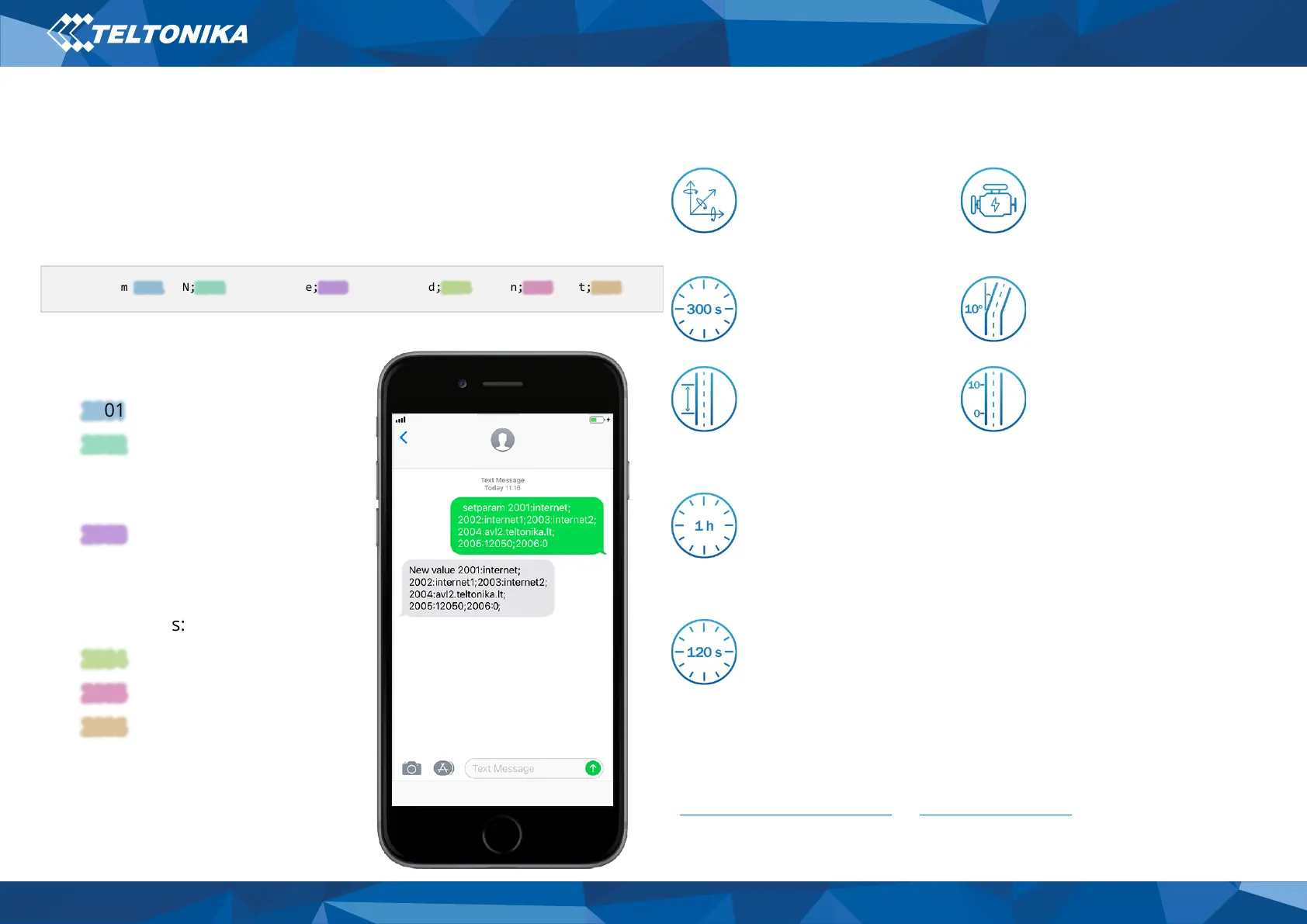
Quickly set up your device by sending this SMS command to it:
Note: Before SMS text, two space symbols should be inserted.
GPRS settings:
• 2001 – APN
• 2002 – APN username (if there
are no APN username, empty
field should be left)
• 2003 – APN password (if there
are no APN password, empty
field should be left)
Server settings:
• 2004 – Domain
• 2005 – Port
• 2006 – Data sending protocol
(0 – TCP, 1 – UDP)
Default configuration settings
Movement and ignition detection:
Vehicle movement will
be detected by
accelerometer
Ignition will be detected
by vehicle power voltage
between 13,2
– 30 V
On Moving if one of these events happen:
Vehicle drives 100
meters
Speed difference
between last coordinate
and current position is
greater than 10 km/h
On Stop if:
1 hour passes while
vehicle is stationary
and ignition is off
Records sending to server:
If device has made a
record it is sent to the
server every 120
seconds
After successful SMS configuration, MTB100 device will
synchronize time and update records to configured server.
Time intervals and default I/O elements can be changed by using
Teltonika Configurator or SMS parameters
" setparam 2001:APN;2002:APN_username;2003:APN_password;2004:Domain;2005:Port;2006:0;"



 To Next Page