18
Watching a rented On Demand program
Watch your rentals as many times as you want within the rental period (48 hours for most rentals).
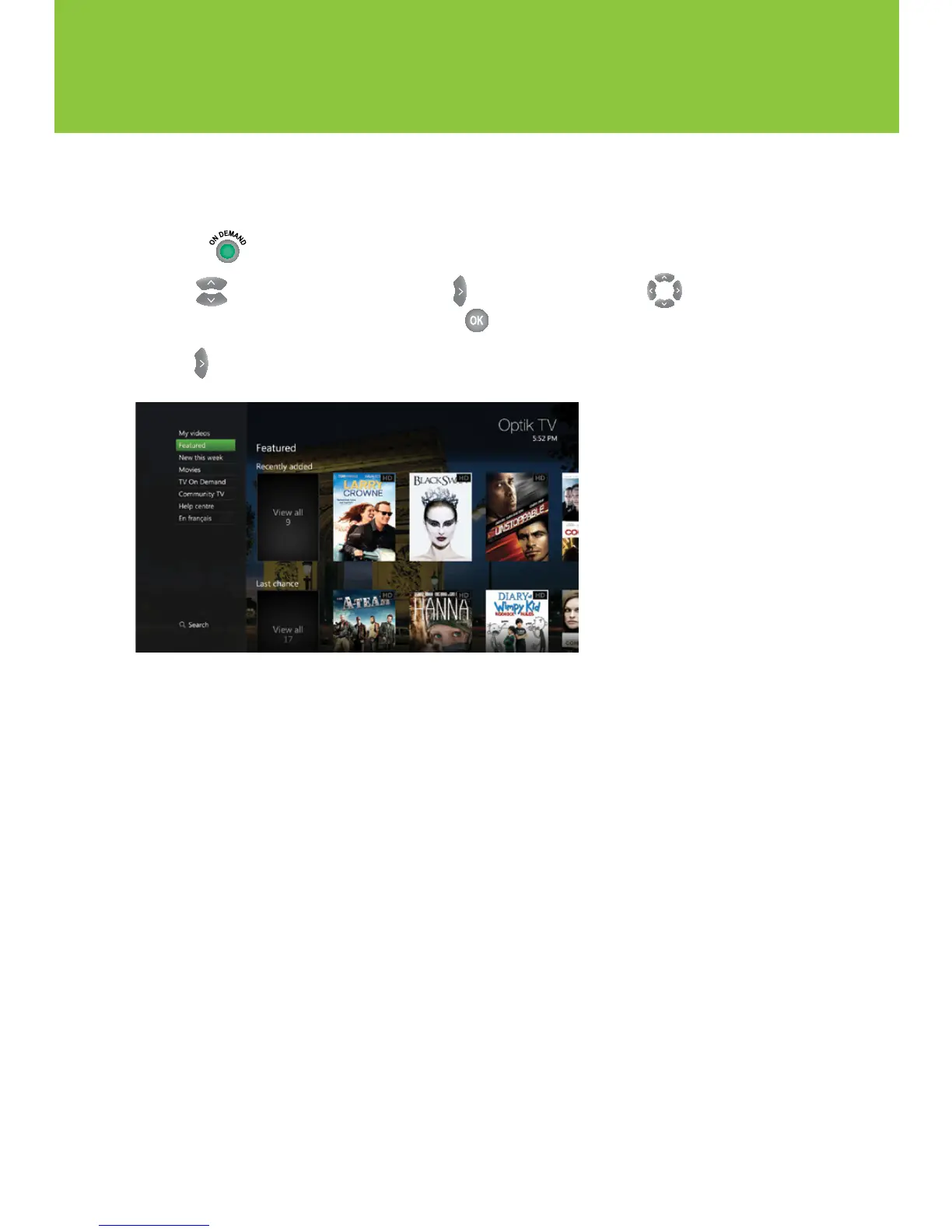
1 Press or tune to channel 235 to view your current rentals.
2 Use to select My Videos folder. Use to enter My Rentals. Use to select
the movie you would like to watch and press .
3 Use to Watch icon to start playing the movie.
New features for On Demand
My Wishlist – Bookmark movies that you would like to watch by selecting the heart icon on the
program information page. To view the movie titles on your wishlist, simply select My Videos,
and then My Wishlist.
Search – Quickly find a movie by searching for the title, actor/actress or director.
Using your Optik TV service


 To Next Page