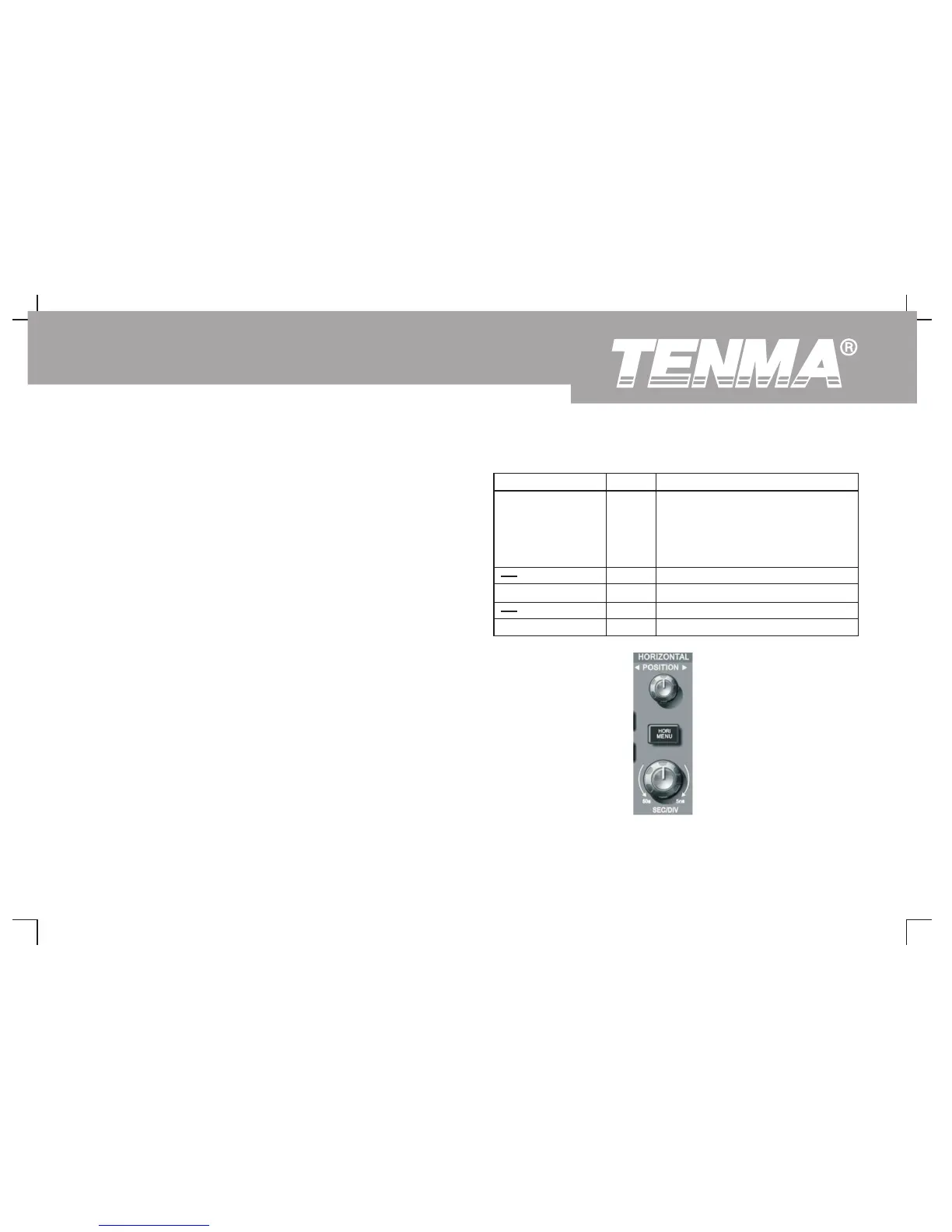
Setting the Horizontal System
The horizontal shift knob
You can move the waveform on the screen with the horizontal shift
knob. By turning it clockwise, you can shift the waveform to the left to
see more pre-trigger signals. Contrarily, turning it anticlockwise can
display more post-trigger signals.
Horizontal scaling : Adjust the main time base, i.e s/div. When time base
extension is on, you can use the horizontal scaling knob to change the
window width. For details see notes on time base extension.
Horizontal control knob menu : Display the horizontal menu (see the
table below).
Table 2-5
Function Menu Setup Explanatory Note
Main 1. Open the main time base.
2. If you press the main time base
when window
extension is on, window extension
will close.
Window Open time base extension.
Adjust holdoff time.Hold off
Figure 2-11 Horizontal system control zone
33
DSO Series User Manual



 To Next Page