87
General Care
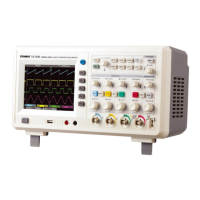
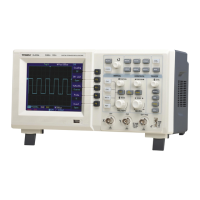
Appendix B : Accessories for DSO Series Digital Storage
Oscilloscope
Do not store or leave the oscilloscope where the LCD display will be
exposed to direct sunlight for long periods of time.
Standard Accessories :
Caution : To avoid damage to the oscilloscope or probes, do not expose
Two 1.2m, passive voltage probes. For details
them to sprays, liquids or solvents.
please read the probe manual. EN
standard.
Cleaning
Rating is 150V CAT II when the switch is in the 1X position;
Inspect the oscilloscope and probes as often as operating conditions
Rating is 300V CAT II when the switch is in the 10X position.
require. To clean the exterior surface, follow these steps :
One international standard power cord.
1. Remove dust on the outside of the oscilloscope and probes with a
One User Manual.
soft cloth. When cleaning the LCD, use care to avoid scratching the
DSO communication & control software.
clear protection film of the LCD.
USB connection cable : UT-D05.
2. Use a dampened but not dripping soft cloth to clean the
oscilloscope. Remember to disconnect power. Use a mild cleaner
or water. To avoid damaging the product or probe, do not use
abrasive chemical cleaner.
Appendix C : Maintenance and Cleaning
1:1(10:1)
61010-031:2008
Warning : To avoid short circuit or personal injury due to the
presence of moisture, please ensure the product is completely dry
before reconnecting power for operation.
DSO Series User Manual


 To Next Page