You can move the cursor to carry out measurement in the [CURSOR] 5. When the cursor function is enabled, measurement value is
mode. There are three modes to choose from : voltage, time and automatically displayed in the upper right hand corner.
tracking. When measuring voltage, press [PUSH SELECTED] and [F2]
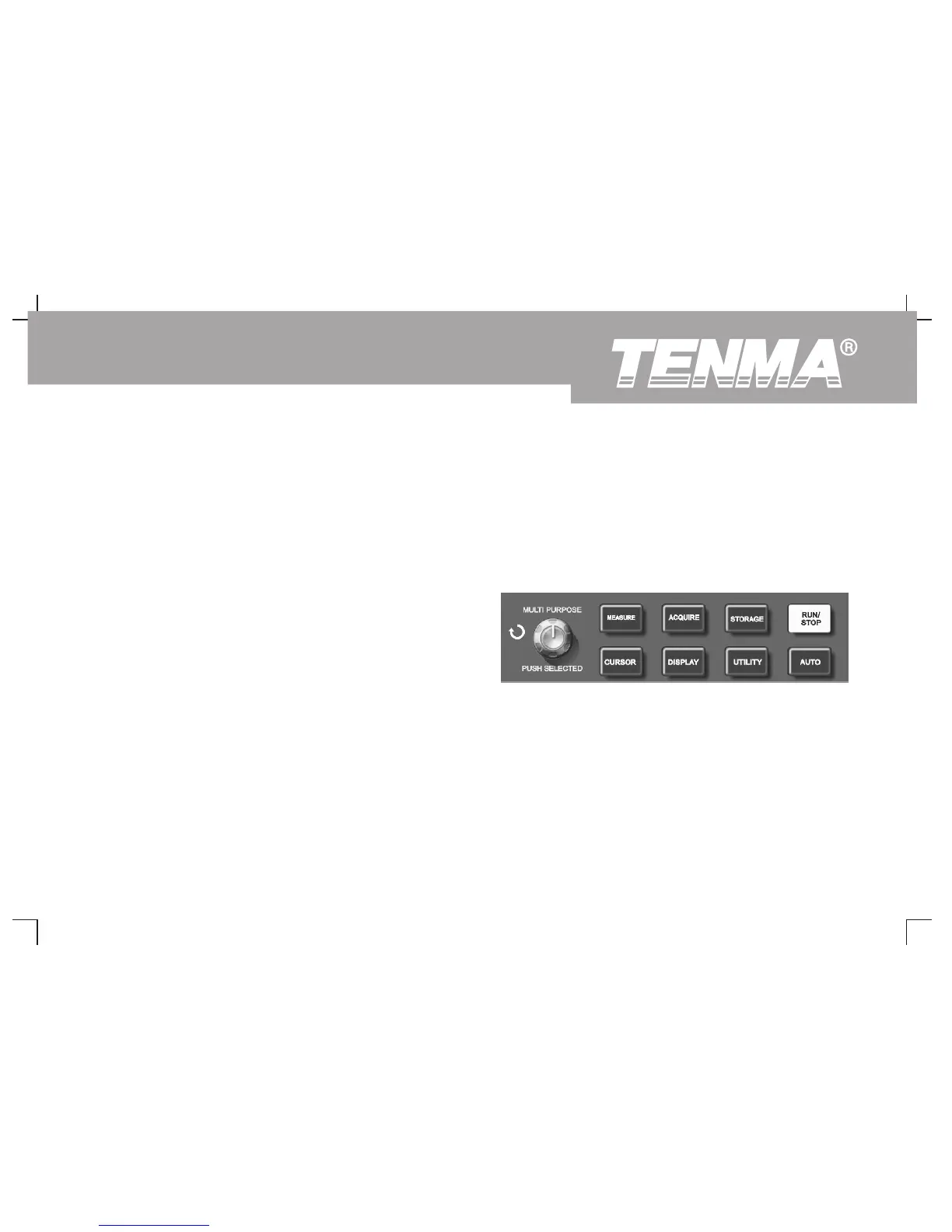
Using the Run Button
on the front panel. Positions of the two cursors and the cursor moving
There is a button on the top right hand corner on the front panel :
speed can be adjusted with the multifunction control knob to measure V.
[RUN/STOP]. When this button is pressed and a green indicator lights
Likewise, by selecting time, you can measure t. In the tracking mode
up, your oscilloscope is in a running status. If a red light comes on after
and waveform display is on, you can see the cursor and track signal
pressing this button, it indicates the unit has stopped operation.
changes automatically by adjusting with the multifunction control knob.
Notes :
1. [PUSH SELECTED] : To select the cursor.
2. Coarse tune/fine tune : To adjust the cursor moving speed.
3. Measuring voltage/time : Cursor 1 or cursor 2 will appear
simultaneously. Adjust their positions on the screen with the
multifunction control knob and select which cursor to adjust with
the [PUSH SELECTED] button. The displayed reading is the
Auto Setup :
voltage or time value between the two cursors.
As shown above, auto setup can simplify operation. Press [AUTO] and
4. Tracking mode : Horizontal and vertical cursors cross to form a
the oscilloscope can automatically adjust the vertical deflection factor and
cross-shaped cursor. It automatically positions itself on the
horizontal time base range according to the amplitude and frequency of
waveform. You can adjust the horizontal position of the cross
the waveform, and ensure stable display of the waveform. When the
cursor by turning the multifunction control knob. Your oscilloscope
oscilloscope is in auto setup mode, the system setup is as follows :
will also display the coordinate of the cursor point.
Figure 2-29 RUN/STOP button
61
DSO Series User Manual



 To Next Page