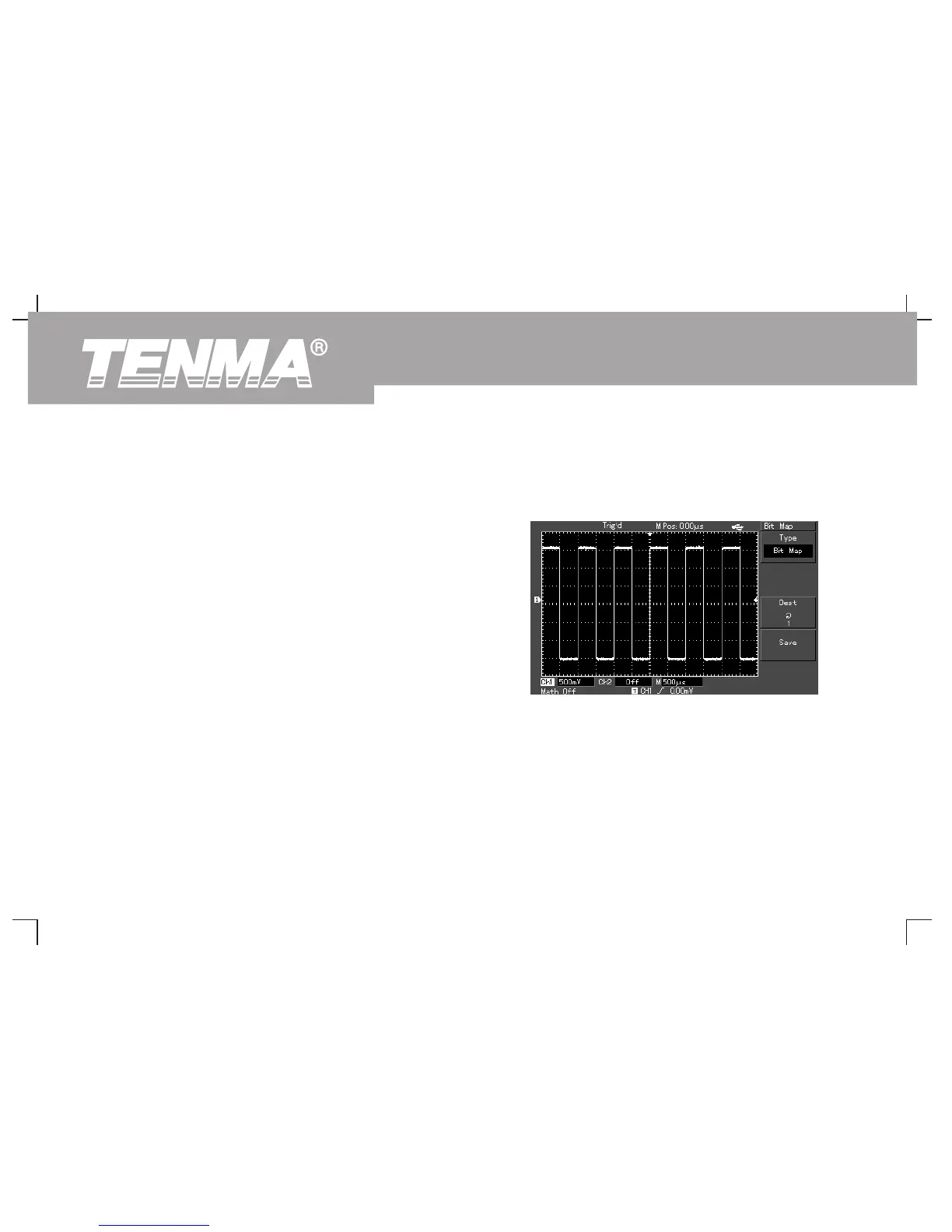
Illustration 8 : Screen copy
You can press the screen copy key (PrtSc) to intercept a full screen. To
use this function, follow the steps below :
1. Press the screen copy key (PrtSc), copying is done when the
completion screen is displayed.
2. Store the intercepted graphic on the USB device. Insert the USB
device, press [STORAGE] and select bitmap in the type menu.
Select any storage position between 1 and 200 with the
multifunction control knob, then press F4 (storage key) to
complete the storage process.
Note : When the USB device is plugged into DSO, the graphic will be
stored on the USB directly.
Figure 3-22 Copying a screen on to the USB
device
78
DSO Series User Manual



 To Next Page