TENVIS Technology Co., Ltd.
10
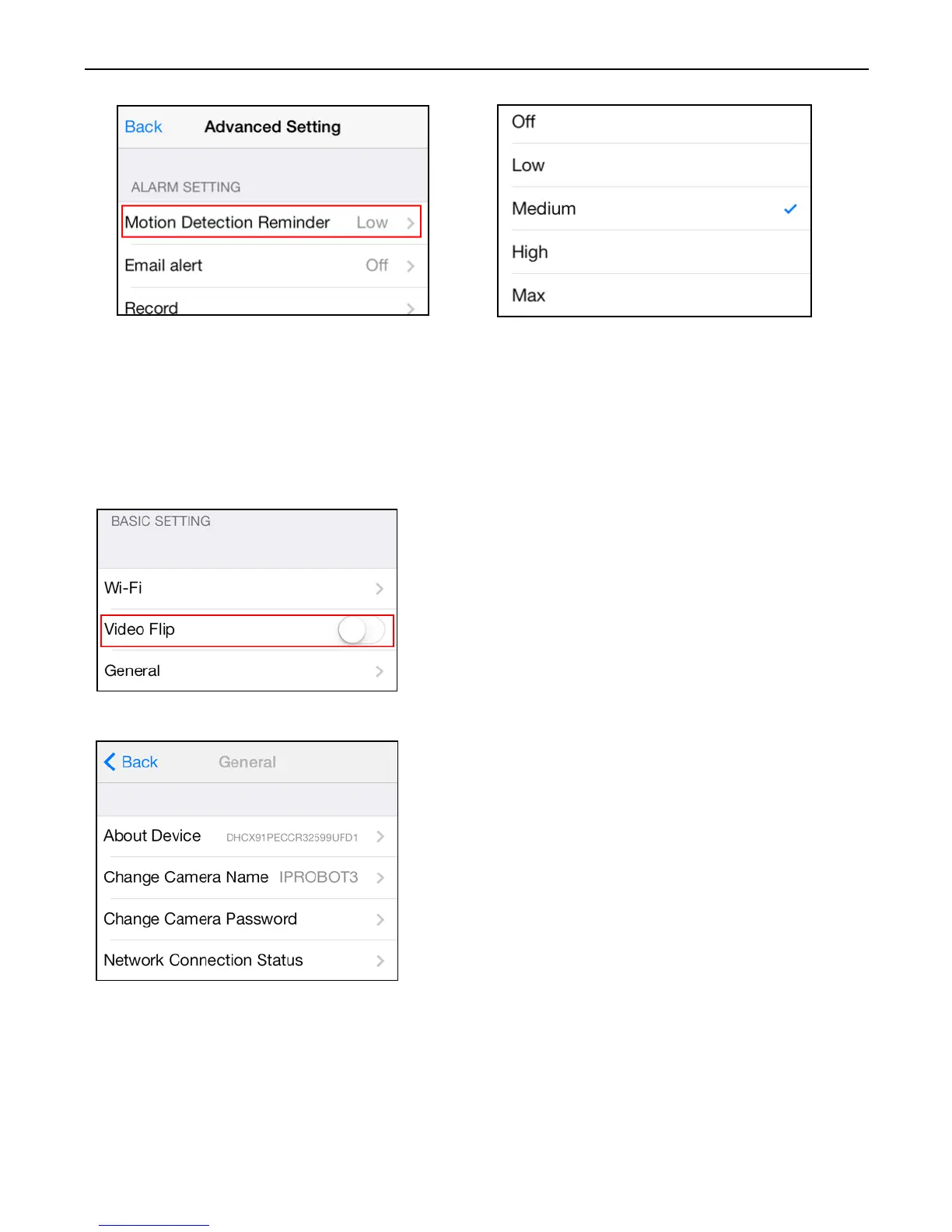
*Notice: We recommend this function to be deactivated in a busy
environment to avoid excessive notifications.
Other Settings
Flip Video
Mirror the displayed image horizontally
or vertically.
General
About Device: Display device
information and firmware version.
Change camera name: Allow user to
change camera’s alias
Change camera password: manage
camera’s user name/password
Network Connection Status: configure
network connection status



 To Next Page