TENVIS Technology Co., Ltd.
16
*Tips: If your router has a WPS button, you could set up wireless LAN
easily by using the WPS button on the camera and the router by the
operation steps on Page 36.
1. P
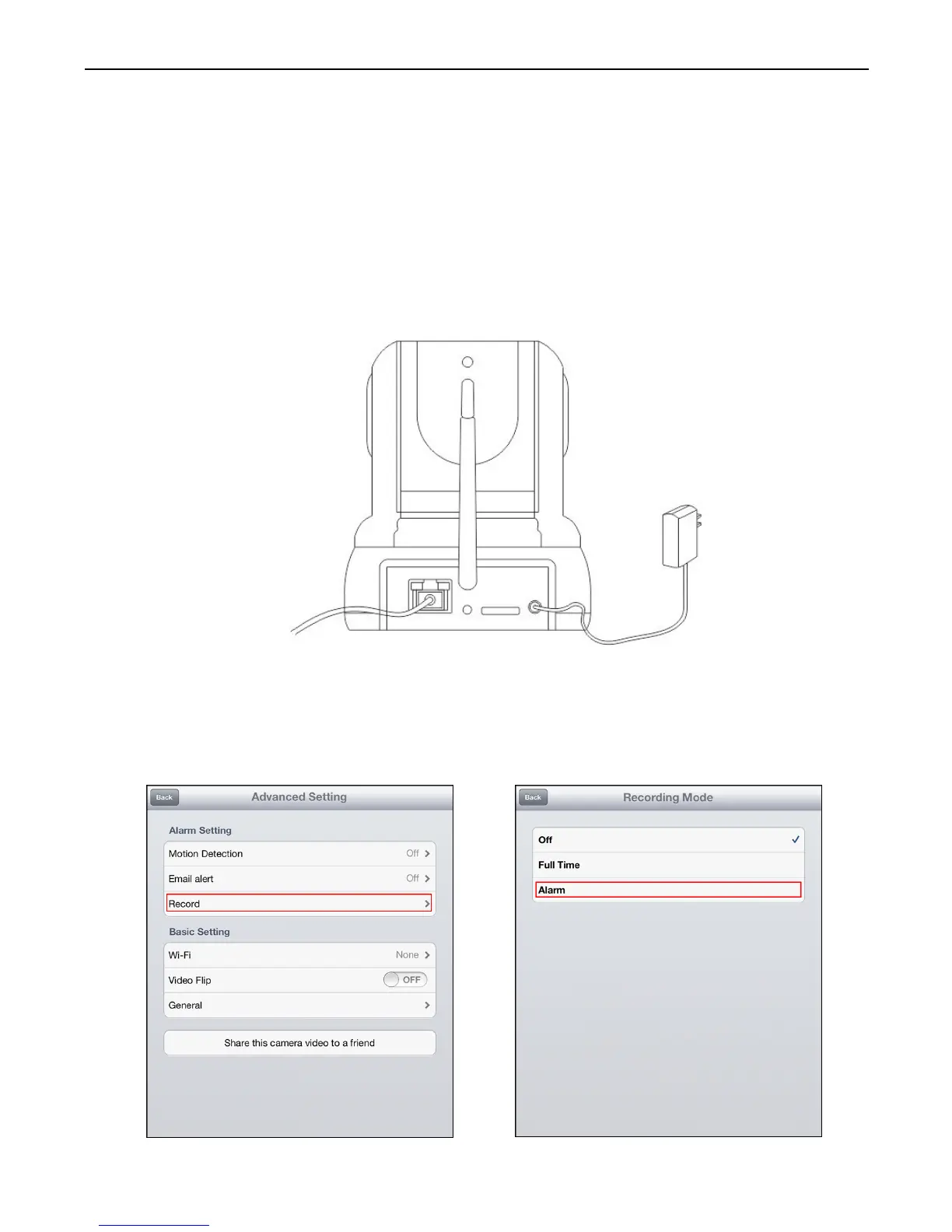
ower off the camera, insert a micro SD card if you want to record to
micro SD card (purchase separately, not sold with this product).
Power on the camera and wait for it to reboot.
2. Tap on Record in settings and select the mode to record to micro SD
card. Switch between Full time for continuous recording, or Alarm for
recording while motion is detected. The camera will reboot after
saving Record settings
Alarm Setup



 To Next Page