TENVIS Technology Co., Ltd.
24
*N
otice: Please wait for 30 sec to 1 min for camera to switch to Wi-Fi
mode;
*Tips: If your router has a WPS button, you could set up wireless LAN
easily by using the WPS button on the camera and the router by the
operation steps on Page 36.
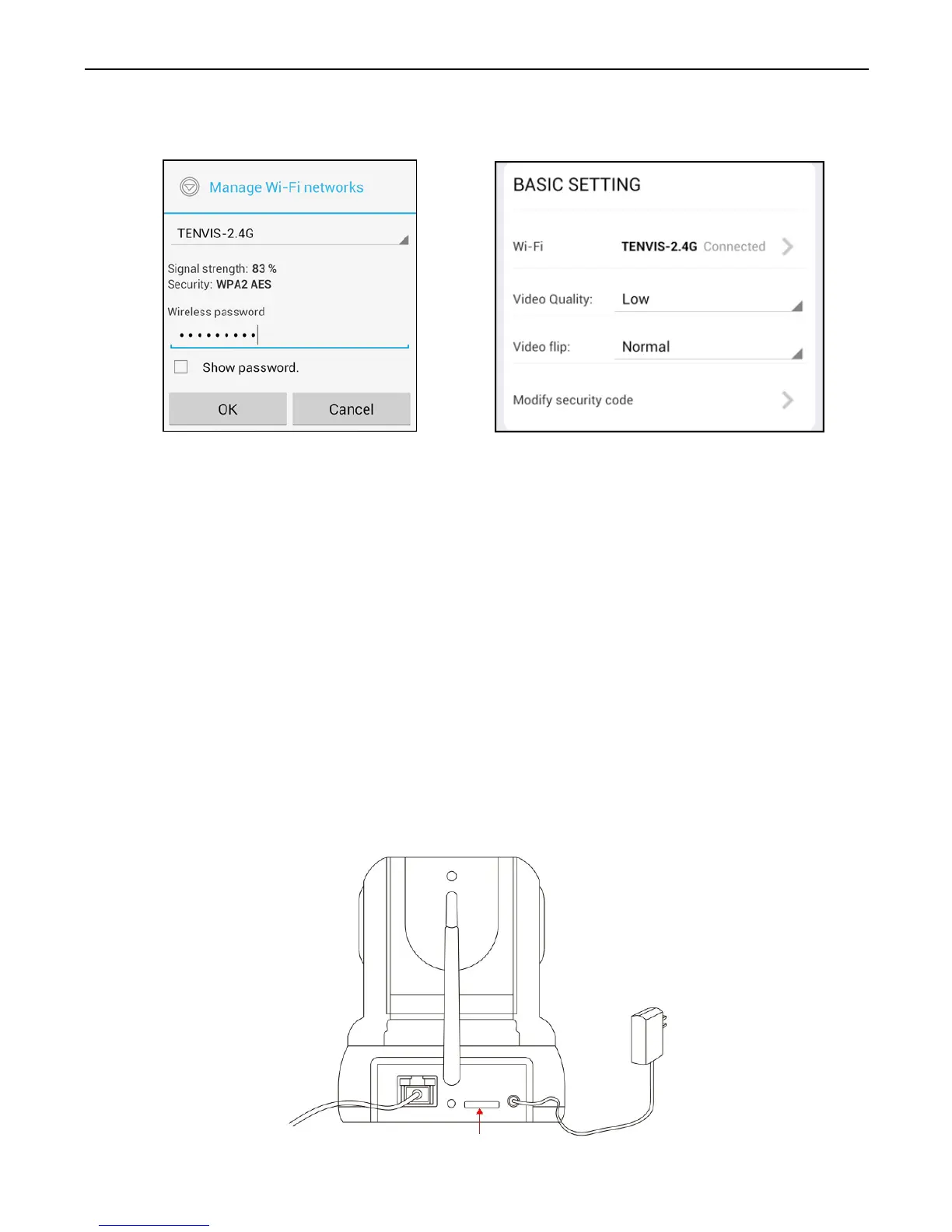
2. The camera will start scanning for Wi-Fi connections. Select your
Wi-Fi connection or network ID (SSID). Enter the password for your
Wi-Fi connection.
3. W
hen the Wi-Fi is successfully configured, you can now disconnect
the network cable from your camera and start using your camera as a
wireless device.
Alarm Setup
1. Power off the camera, insert a micro SD card if you want to record to
micro SD card (purchase separately, not sold with this product).
Power on the camera and wait for it to reboot.



 To Next Page