TENVIS Technology Co., Ltd.
25
*
Notice: When card is full the camera will automatically overwrite history
recorded files.
*Notice: Please run NEW TENVIS background to receive the notification.
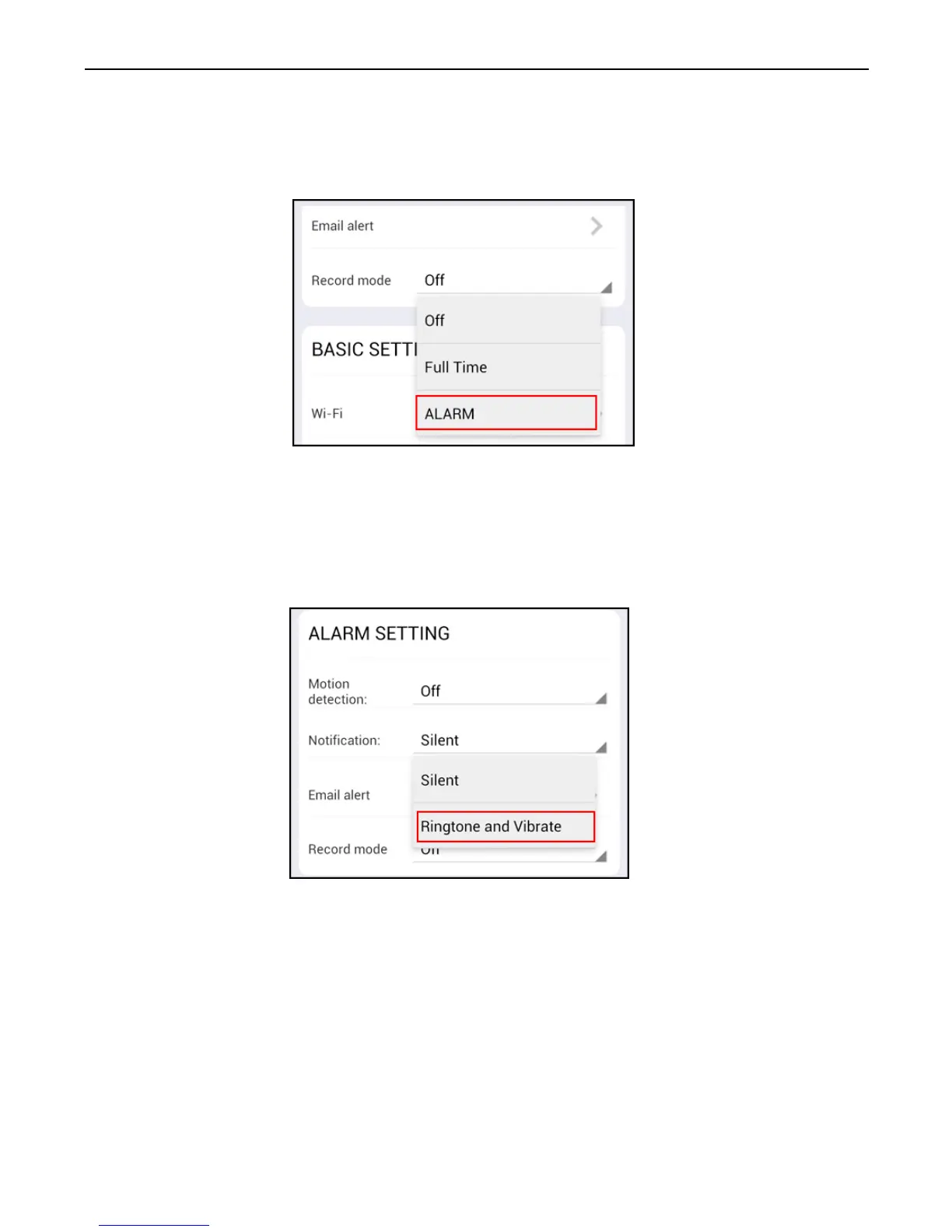
2. Tap on Record in settings and select the mode to record to micro SD
card. Switch between Full time for continuous recording, or Alarm for
recording while motion is detected. The camera will reboot after
saving Record settings
3. Enable Notification if you want to receive notification from the
camera.
4. Set up e-mail alarm if you want the camera to send snapshots to your
e-mail address when alarm goes off. Enter your e-mail address and
password to set up email alert setting.



 To Next Page