TENVIS Technology Co., Ltd.
38
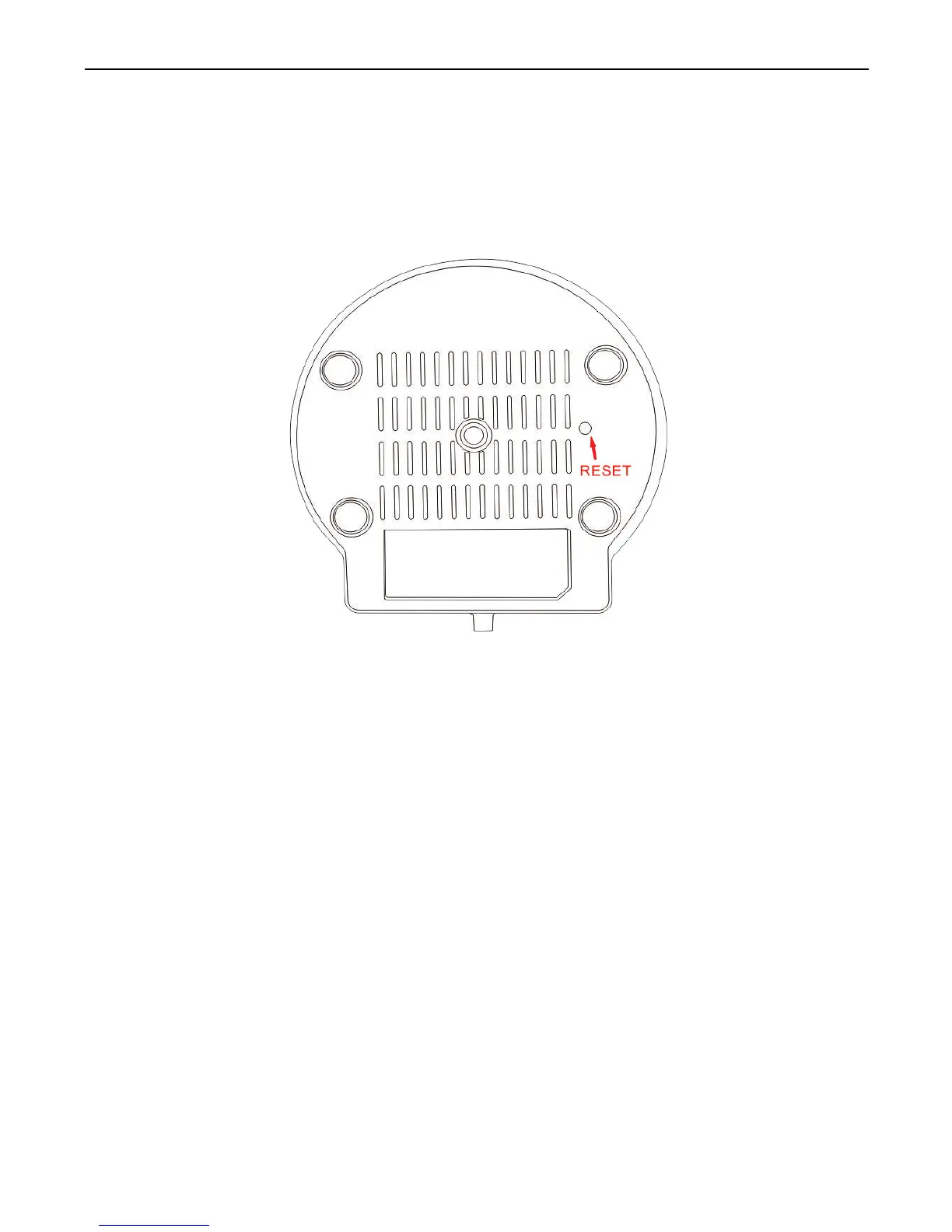
Please press the reset button under or on the camera for about 15 seconds
until the camera reboots. Please make sure the power supply is connected
to the camera when you are doing it.
*Notice: Once you reset the camera, the camera will lose all the
configuration.
Camera Reset



 To Next Page