TENVIS Technology Co., Ltd.
37
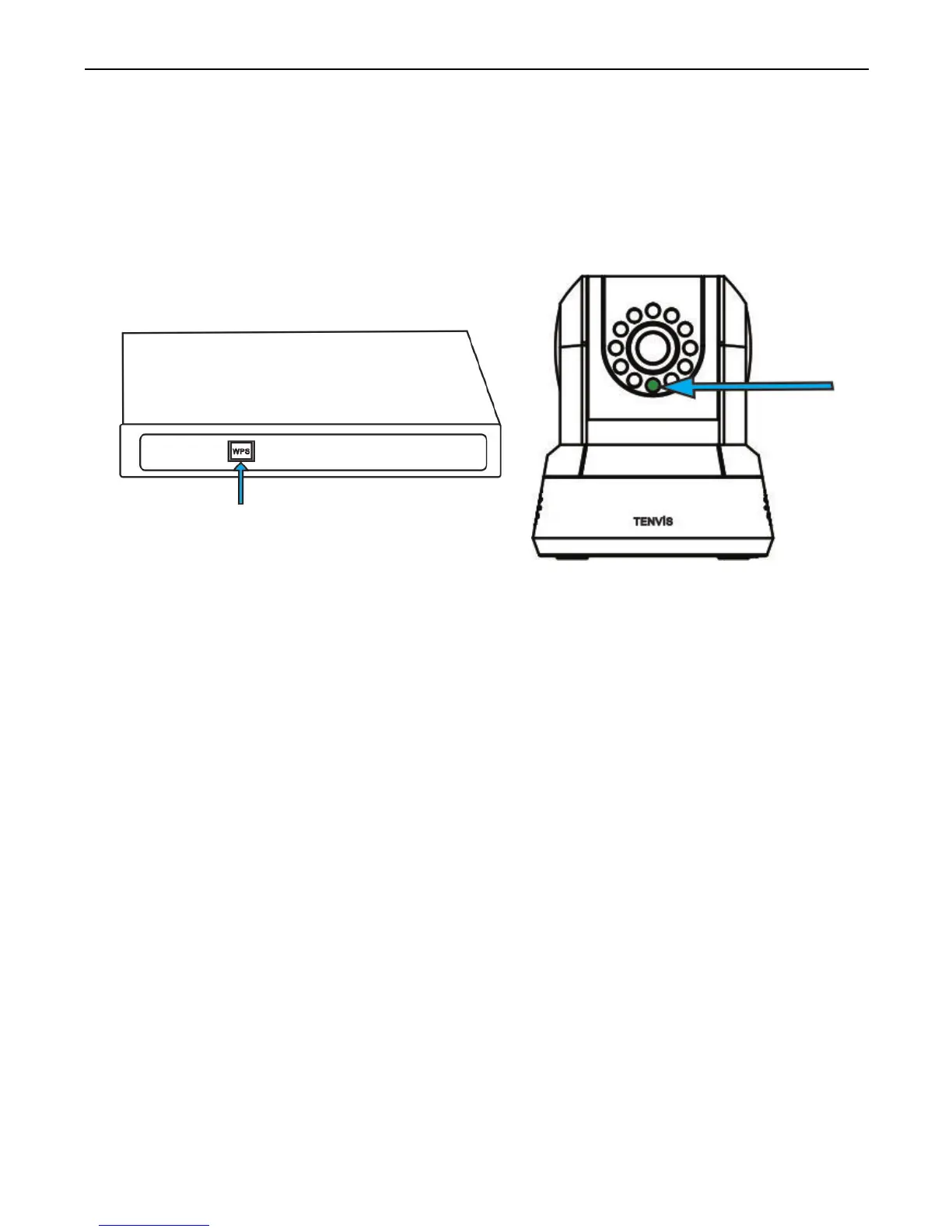
3. Press the WPS button on the router for about 3-5 seconds, the time
depends on the router. The router’s light will flash to indicate the
router in WPS mode. While both are in WPS mode, the camera will
connect to the router via Wi-Fi. Wait about 1-2 minutes, the green light
of the camera will become static; to indicate Wi-Fi connection is
established between the two.
*Note:
1. The steps to active router’s WPS mode varies by router’s model and
brand , please refer to your router’s user manual for details.
2. Not all routers support WPS;
3. You can set up Wi-Fi in App in mobile device or web browser in your PC
if your router does not support WPS;



 To Next Page