TENVIS Technology Co., Ltd.
28
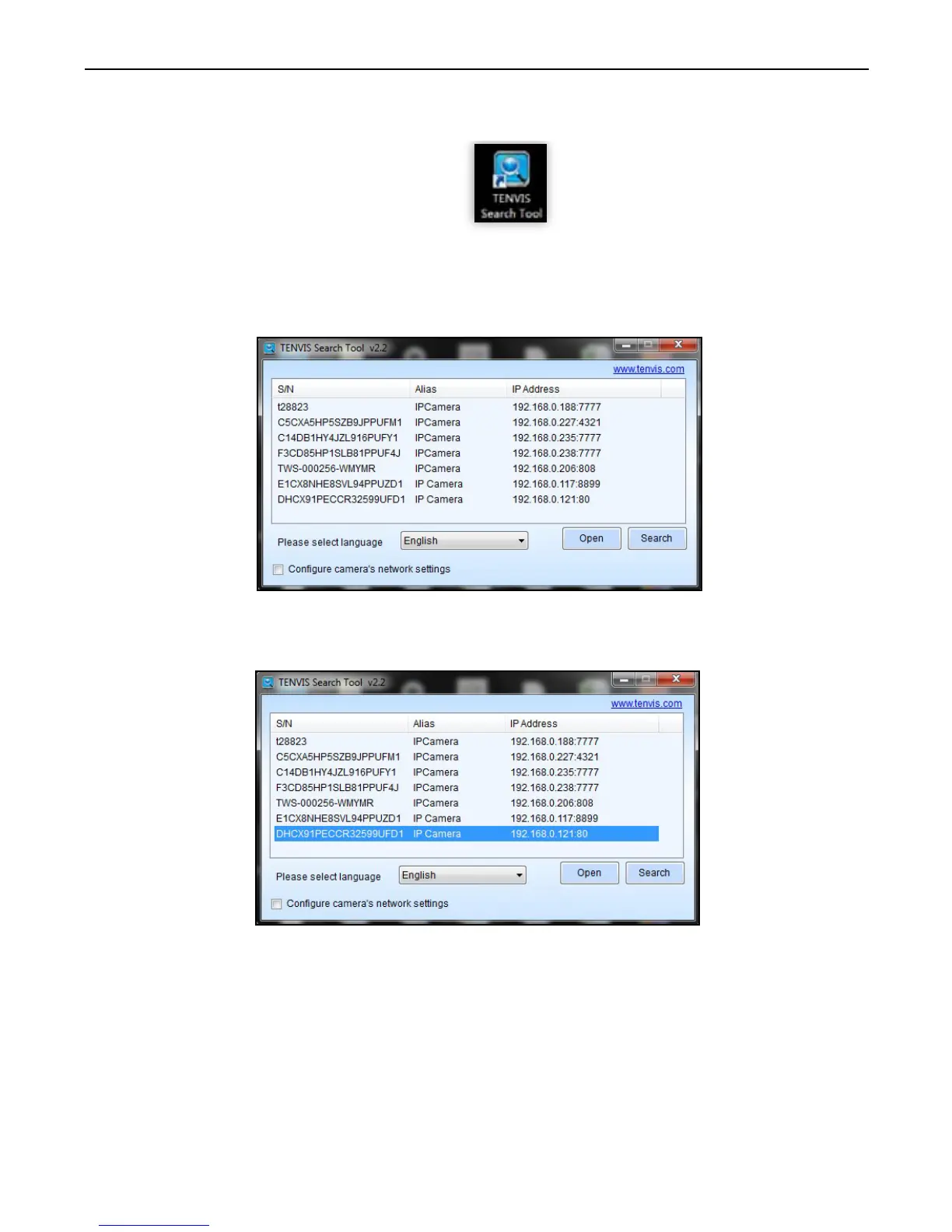
1. Install TENVIS Search Tool from CD or download and
install it from http://www.tenvis.com/download
2. Run TENVIS Search Tool on desktop, click search to search
cameras in LAN.
3. Select the camera listed in LAN by its UID code, highlight the camera
in the list and click Open.
4. The default web browser will be launched to display the login window.
Log on to the camera by using camera’s username and password. By
default username is “admin” and password is “admin”.
Operation Guide for Windows Web Browser



 To Next Page