TENVIS Technology Co., Ltd.
3
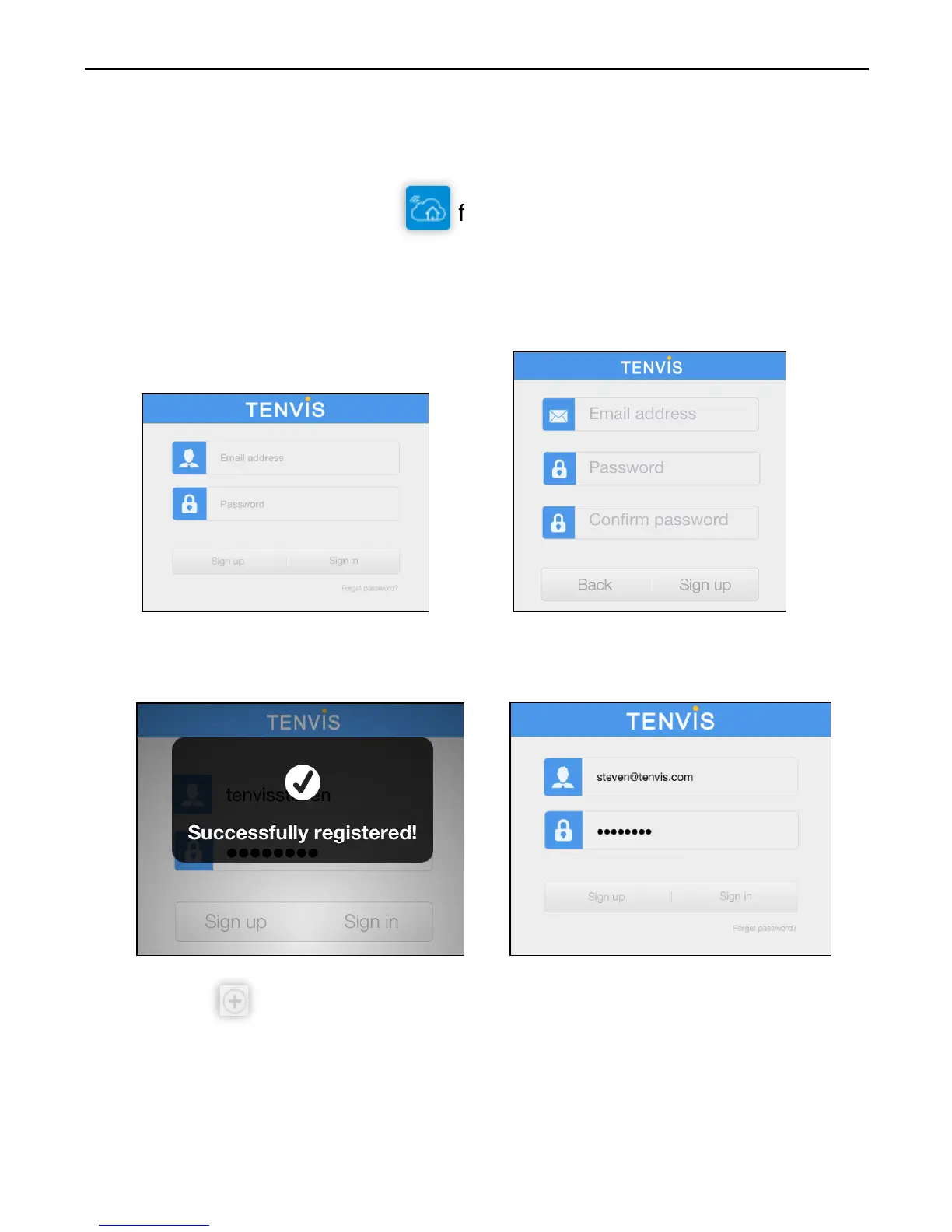
1. Download NEW TENVIS from App Store
2. Tap on Sign up if you do not already have an account with New
TENVIS. Fill in the required information to register for a New TENVIS
user account.
3. After signing up, please log on to your account.
4. Tap on to add your new camera to your account; find the camera
by matching UID code in the list to the UID code displayed at the
bottom of the camera. If your new camera resides in the same LAN
(Local Area Network), its UID code will show up in the list.
Operation Guide for iPhone
Live Video



 To Next Page