GB
English
Instruction Manual
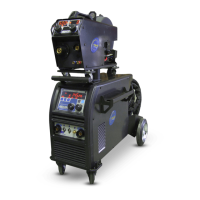
Multi 250 - 400K - 500F - 500K - 500 MAR e Accessories
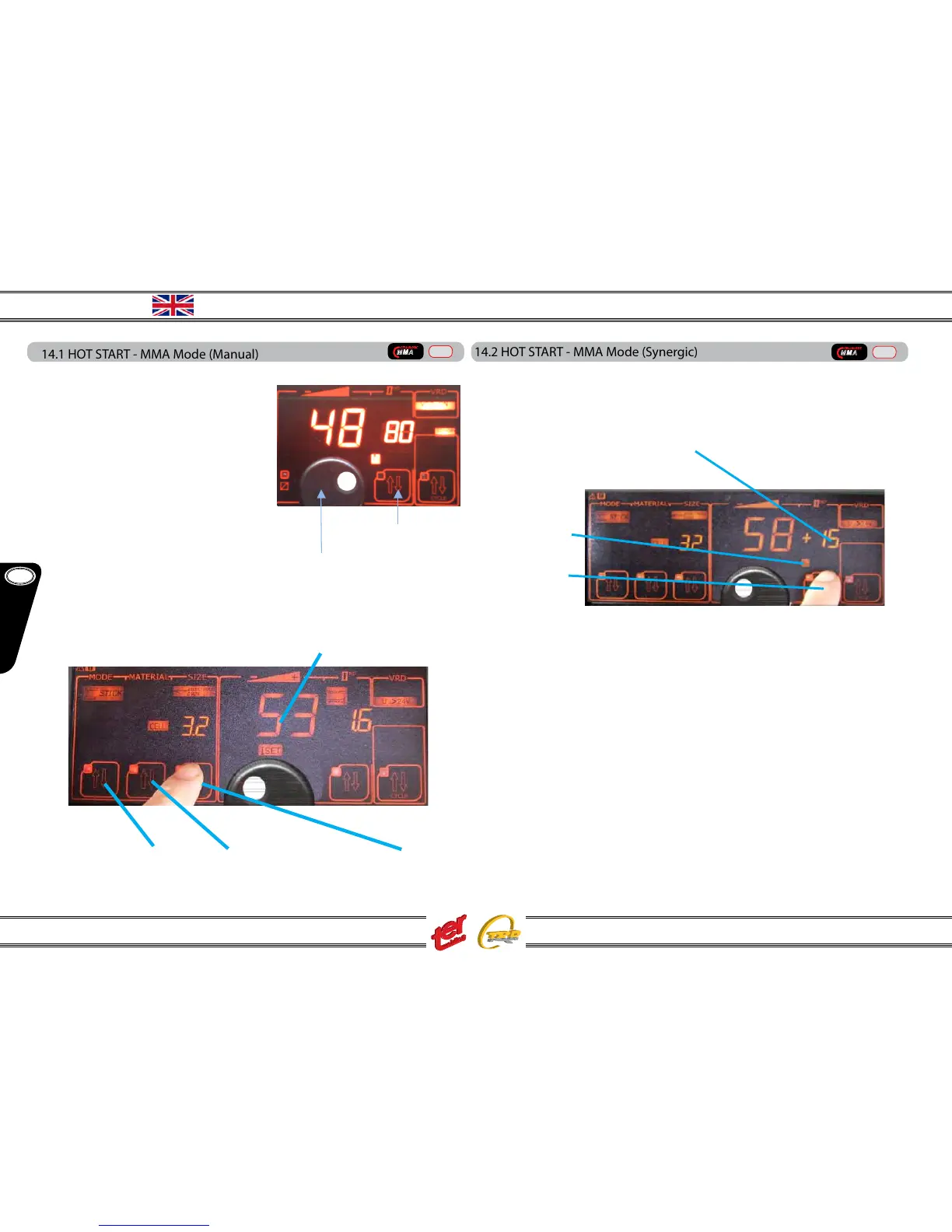
14.1 HOT START - MMA Mode (Manual)
The value can be adjusted according to the electrode type – Ex. stainless steel and
rutile electrodes demand a low value, near
to 0 – basic and the majority of the commun
electrodes a mi-value between 30/50 – cel-
lulosic electrodes require a high value.
Push the 2nd level key until “HS” icon light on
– the led will blink for two seconds and during
this time adjust the required value. Two sec-
onds after the last touch, “HS” setting mode
get o.
(see also wire feeder setting)
MMA mode (synergic)
MMA synergic welding is a really usefull way to avoid setting mistakes. Even skilled
welders can save job time entering the synergic mode:
2nd level key
Adjusting knob
A -Select STICK B – Select electrode type C – Select electrode size
14.2 HOT START - MMA Mode (Synergic)
In synergic MMA mode the value is already set according to the choosed electrode.
The parameter can be changed anyway - adjustments are diplayed in % (pourcentage)
towards the original value:
push the 2nd level key until “HS” icon light on – the led will blink for two seconds and
during this time adjust the required value. Two seconds after the last touch, “HS” set-
ting mode get o.
The adjustment is made using the main display knob, as usual.
The new parameter is automatically stored – it will be restored once recalling the same
program.
This setting is available only on the main generator panel.
NB: the welding current can be adjusted as well, remaining anyway inside the
programmed synergic values.
C – HS value increased of 15%
B – HS icon
A – 2nd level key
Welding Current
Adjusting knob
2nd level key
MMA
CELLULOSIC
Manual
MMA
CELLULOSIC
Manual
11



 To Next Page