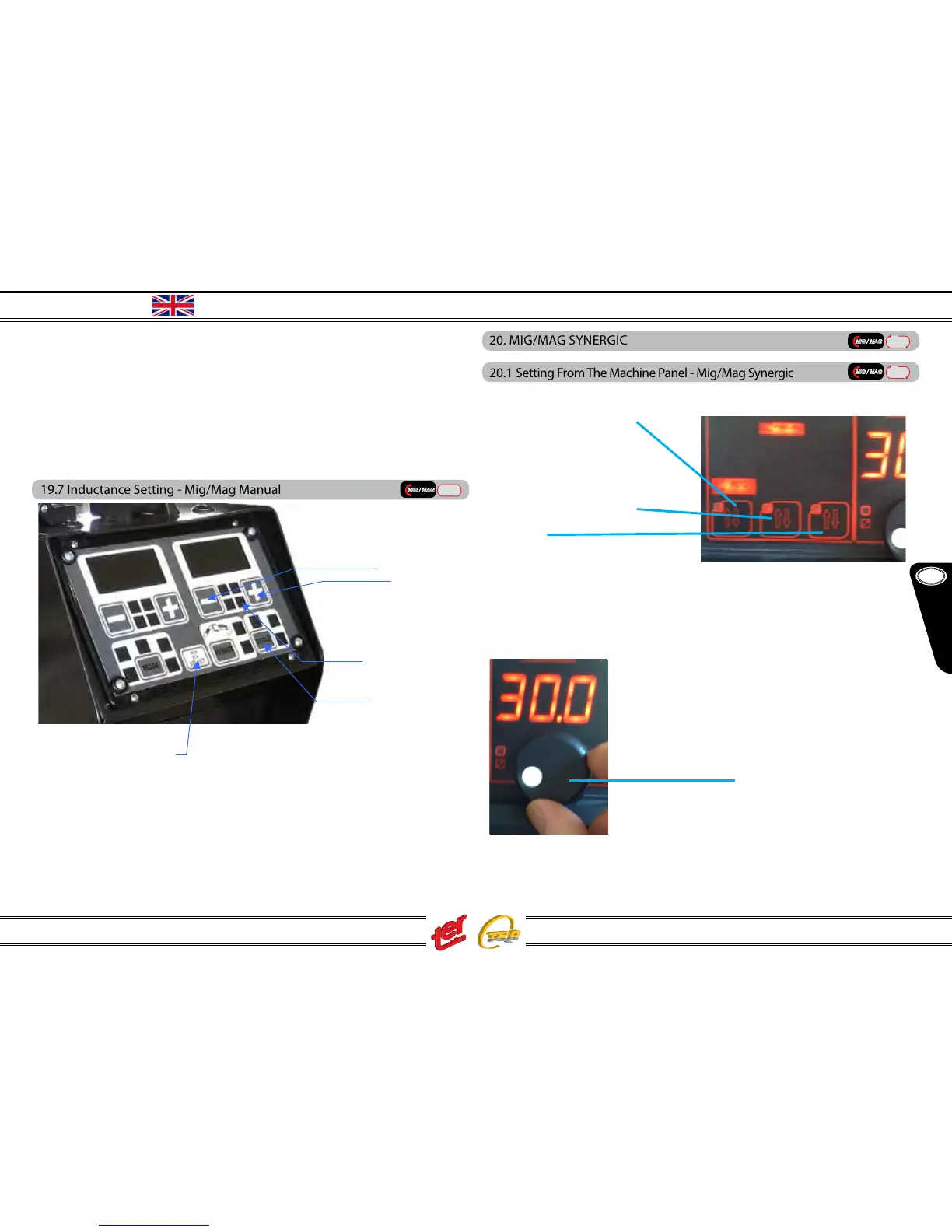
GB
English
Instruction Manual
Multi 250 - 400K - 500F - 500K - 500 MAR e Accessories
(1) press the key MODE and select MANUAL
(2) with icon WIRE SPEED on, adjust the wire speed by using the keys – and + (left)
(3) the display shows the wire speed in mt/min.
(4) icon Ireal (real welding current) is o
(5) the display shows the set voltage
(6) with icon Vset on, adjust voltage by using the keys – and + (right)
19.7 Inductance Setting - Mig/Mag Manual
(1) press the key SELECT until inductance icon (2) is on
(3) the display shows the inductance value
(4) using the keys – and + set the inductance
The display (3) return to the previous value 1 second after the last key touch or
pressing the key SELECT once again
(5) set the trigger mode (2T – 4T – 2T slope – 4T slope –the slope values are al-
ready pre-set)
(4)
(5)
20. MIG/MAG SYNERGIC
20.1 Setting From The Machine Panel - Mig/Mag Synergic
Setting available for generators Serie “K” and Serie “K + DUO”:
NOTE: material type (B) refers to the wire spool type located inside the ma-
chine
the wire speed is automatic regulated with the setting current and/or thickness



 To Next Page