GB
English
Instruction Manual
Multi 250 - 400K - 500F - 500K - 500 MAR e Accessories
NOTE: material type (B) refers to the wire spool type located inside the remote
wire feeder unit
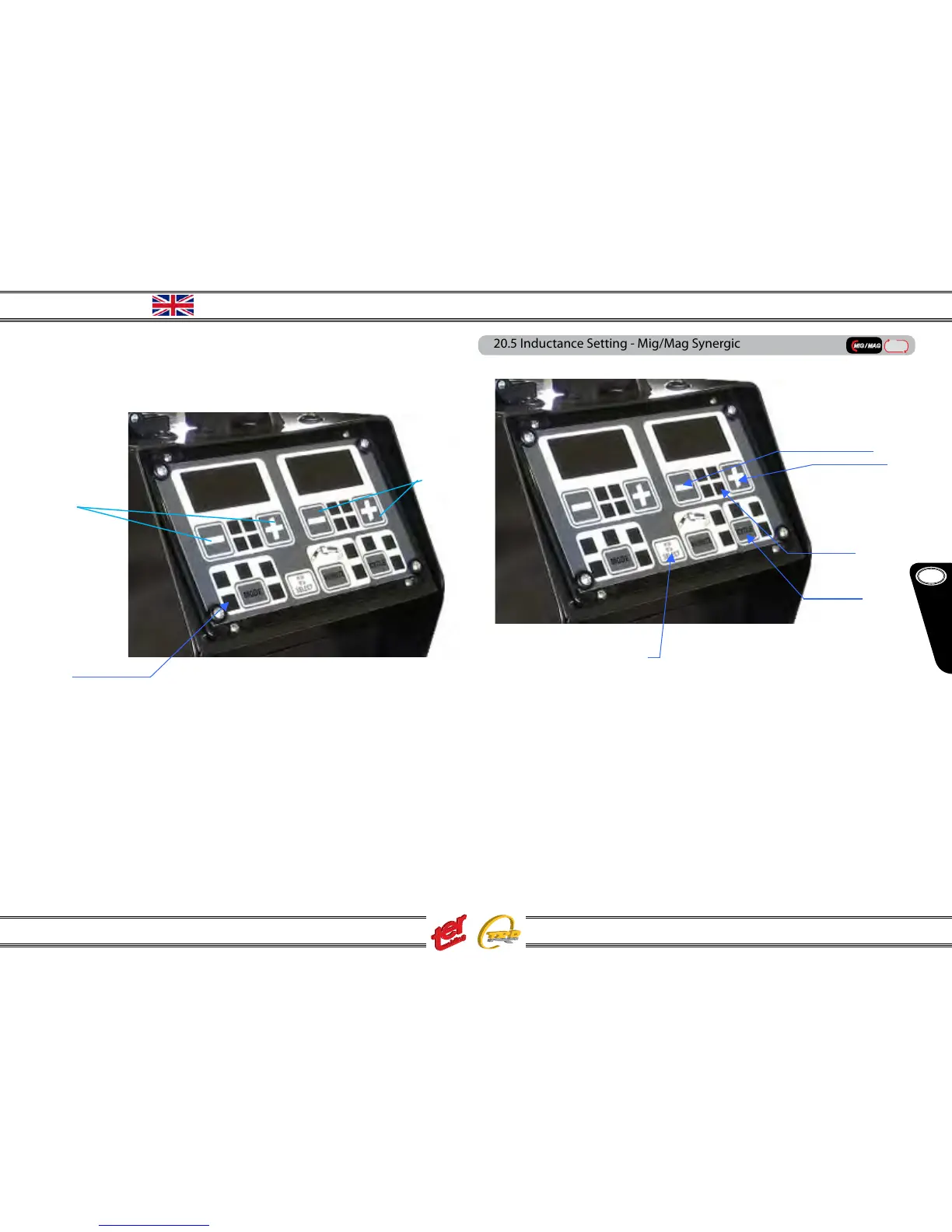
Now approach the remote wire feeder unit and set as follow:
(1) press the key MODE until icon “syn” light on
(2) with keys – and + (left side) adjust the welding current
(3) display shows the set current when icon “Iset” light on, real job welding current
with “Ireal” icon on
(4) display shows the pre-set arc lenght and, during welding job the real voltage
(5) with keys – and + (right side) adjust the arc lenght. Value equal to -0- corre
sponds to the pre-set synergic data: it can be adjusted from -20% up to + 20%.
During this setting the icon “Vreal” is o while icon “arc lenght” is on
(3)
(4)
20.5 Inductance Setting - Mig/Mag Synergic
(1) press the key SELECT until inductance icon (2) is on
(3) the display shows the inductance value
(4) using the keys – and + set the inductance
The display (3) return to the previous value 1 second after the last key touch or press-
ing the key SELECT once again
(5) set the trigger mode (2T – 4T – 2T slope – 4T slope –the slope values are already
pre-set)
NOTE: with the DUO conguration (wire spool inside the machine and another
one inside the remote wire feeder – double torch) you can set two independent
welding jobs. Process and programs are automatically released pressing the
respective torch trigger or any one key on the wire feeder unit or generator main
panel.



 To Next Page