Teradek, LLC 2020. All rights reserved. v1.3-0620
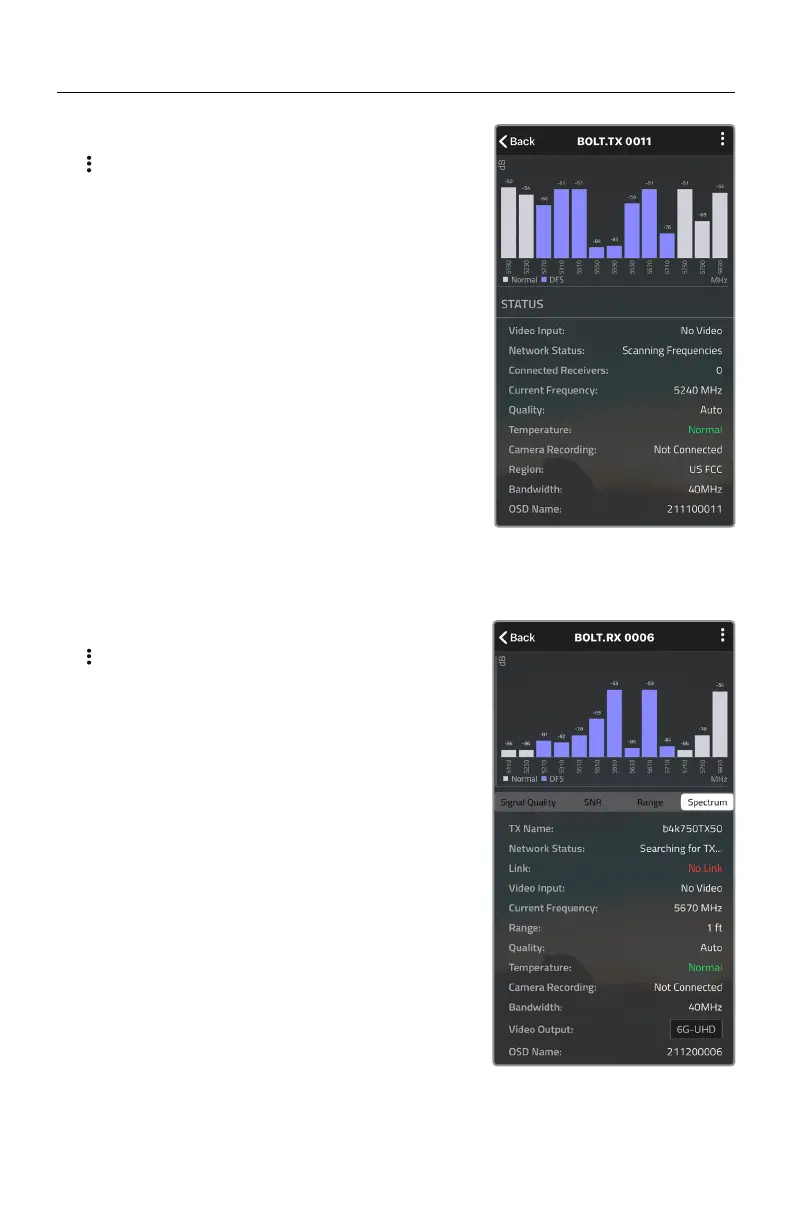
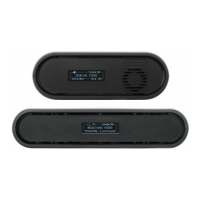
TRANSMITTER STATUS DISPLAY
Spectrum Analyzer - Detects congestion in the
area and determines which frequencies are
available to use. Each bar represents a frequency,
and the height represents the amount of congestion
in that frequency.
Status - Displays the current status of your input,
including frequency and frequency information,
camera recording status, temperature, and
amount of linked receivers.
Settings (Menu descriptions listed on pg. 11) - Tap
the
button at the top of the screen to customize the
transmitter’s various settings.
RECEIVER STATUS DISPLAY
SNR (Signal to Noise Ratio) - Compare the signal
power level to the noise power level from the
attached antennas.
Range Analyzer - Displays the transmission distance
between the transmitter and receiver.
Settings (Menu descriptions listed on pg. 11) - Tap
the
button at the top of the display to customize
the receiver’s various settings such as the output
format, audio, display and OSD.
Spectrum Analyzer - Detects congestion in the
area and determines which frequencies are available
to use. Each bar represents a frequency, and the
height represents the amount of congestion in that
frequency.
Status - Displays the name, link quality, resolution
and other of your video input.
7
Signal Quality - Determine the quality and reliability
of the signal being received.



 To Next Page