Need help?
Do you have a question about the Teradek Bolt 4K MAX and is the answer not in the manual?
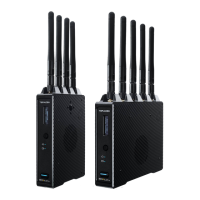
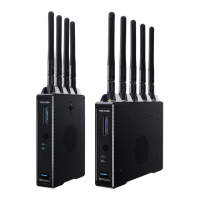
Details the physical features and ports of the Bolt 4K transmitter.
Details the physical features and ports of the Bolt 4K receiver.
Initial steps for operating the Bolt 4K transmitter and receiver.
Instructions for connecting power and video sources to the Bolt 4K system.
Procedures for pairing transmitter and receiver units.
How to use the Bolt App for remote management and monitoring.
Details receiver status indicators including Signal Quality and Range Analyzer.
Configuring broadcast mode for multiple receivers and extended range.
Enabling fixed frequency mode for stable connections.
Adjusting bandwidth and selecting operating frequencies.
Configuring receiver wireless parameters like fixed frequency.
Setting bandwidth and selecting frequencies on the receiver.
Using the spectrum analyzer and understanding signal quality metrics.
Managing device pairings from the receiver interface.
Configuring output resolution and format for HDMI/SDI.
Overview of Bolt Manager features like pairing and upgrades.
 General
| Brand | Teradek |
|---|---|
| Model | Bolt 4K MAX |
| Category | Microphone system |
| Language | English |


 To Next Page