GETTING STARTED
POWER AND CONNECT
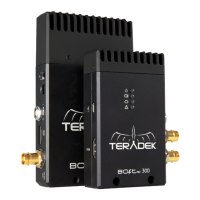
Connect the output from your video source to either the SDI or HDMI input (C or E)
on the Bolt transmitter. Connect either the SDI or HDMI output (D or L) from the Bolt
receiver to the video input on your monitor.
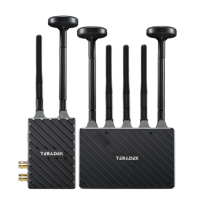
Attach the antennas to both the transmitter and the receiver. If using an Array
Antenna with the receiver, mount the receiver to the back of the antenna, then
connect the five RP-SMA connectors to the center connectors labeled V using the
included extension cables. If the transmitter is using horizontal antennas, attach
the receiver’s two outward connectors to the antenna’s two external connectors
labeled H (see page 8).
Connect power to the Bolt transmitter and receiver with the included A/C adapter,
or if both devices are equipped with battery plate accessories, attach a compatible
battery (Gold or V mount).
Move the power switches on both the transmitter and receiver (J) to the ON position.
Video appears within a few seconds.
1
3
2
4
NOTE: If mounting the receiver upright on a stand above the monitor, use a right-
angle SDI adapter to relieve any strain caused by the weight of the cable, and to
avoid damaging the SDI output’s internal connectors.
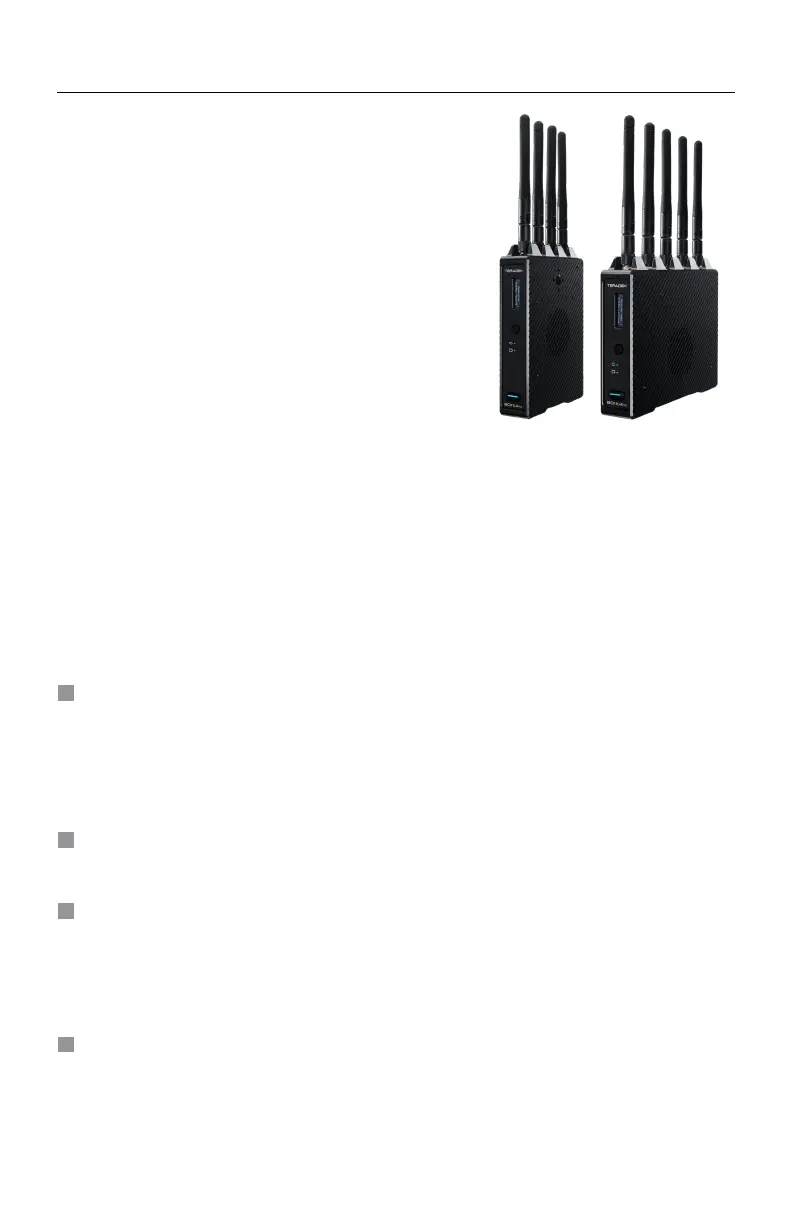
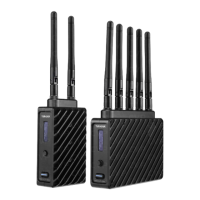
Bolt 4K is the first visually lossless, zero delay
4K wireless video transmission system. Bolt 4K
transmits 10-bit, 4:2:2 HDR video at a range of up
to 750/1500 feet line-of-sight over the unlicensed
5GHz band, and can multicast to six receivers
simultaneously.
For HDR workflows, Bolt 4K supports the HDR-10,
PQ, and HLG standards and can transport extended
camera metadata, timecode, and record triggers
over the wireless link.
• Keep the transmitter and receiver at close range for 60 seconds after powering
on the devices. This allows them to scan for and select the best wireless frequency.
DEVICE OPERATION
• For best results when using multiple Bolt systems in the same area, place the
transmitters and receivers a few feet apart from each other.
• Operation of other wireless equipment may interfere with the Bolt. Try to separate
other wireless transmitters and receivers as much as possible.
4



 To Next Page