32
© 2022 Enter your company name
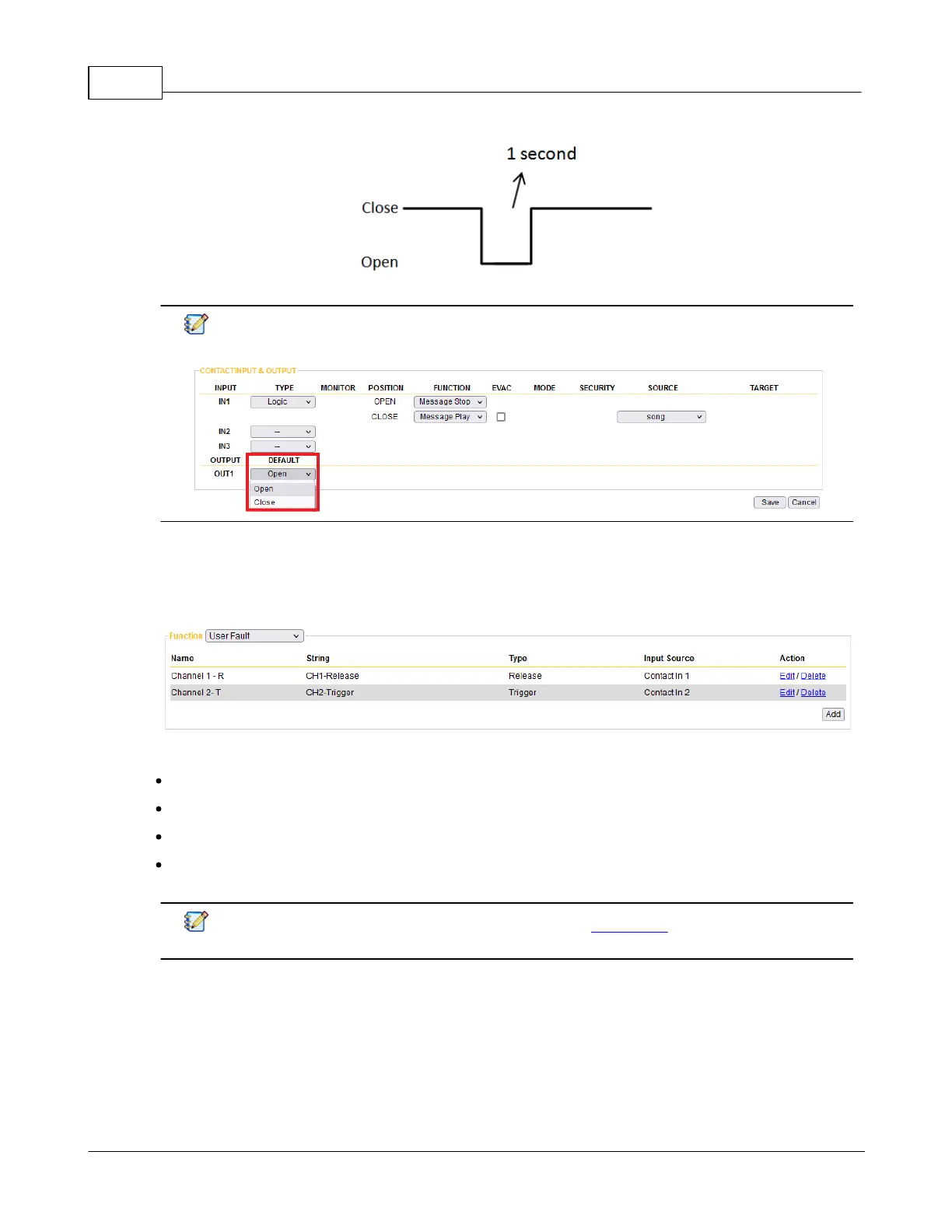
When choosing [NO-Pulse] or [NO-Pulse] option, please set the default state (open or close) of
relay output on I/O Control window > Contact Output, see the picture below.
4.4.3.5 User Fault
Create the user-defined fault, and once this user-defined fault is being triggered/released, the fault can be
displayed on the [Monitor] window of TerraManager software.
Name: The name of this [User Fault] action.
String: The display message of TerraManager software > Monitor window.
Action: The action (Trigger/Release) of this User Fault.
Input Source: Select the source (Contact Input of IPSM/IPBX) to trigger/release the [User Fault]
action.
After completed the User Fault setting, please go to I/O Control to continue configuring its
control setting.



 To Next Page