64
© 2022 Enter your company name
other equalizers. The gain of each band can be controlled, the center frequency can be shifted, and
bandwidth ("Q") can be widened or narrowed.
o Bypass all: Disable the PEQ function.
o ON/OFF: Activate/disable the selected EQ band.
o Frequency (Hz): Set the central frequency of a band.
o Gain (dB): Set the PEQ gain (attenuate or increase the selected frequency band).
o Bandwidth (Oct): Set the width around the frequency (Q factor) of selected frequency band.
Factory setting: Click to restore all settings to factory setting.
4.7.3 Major Audio Matrix
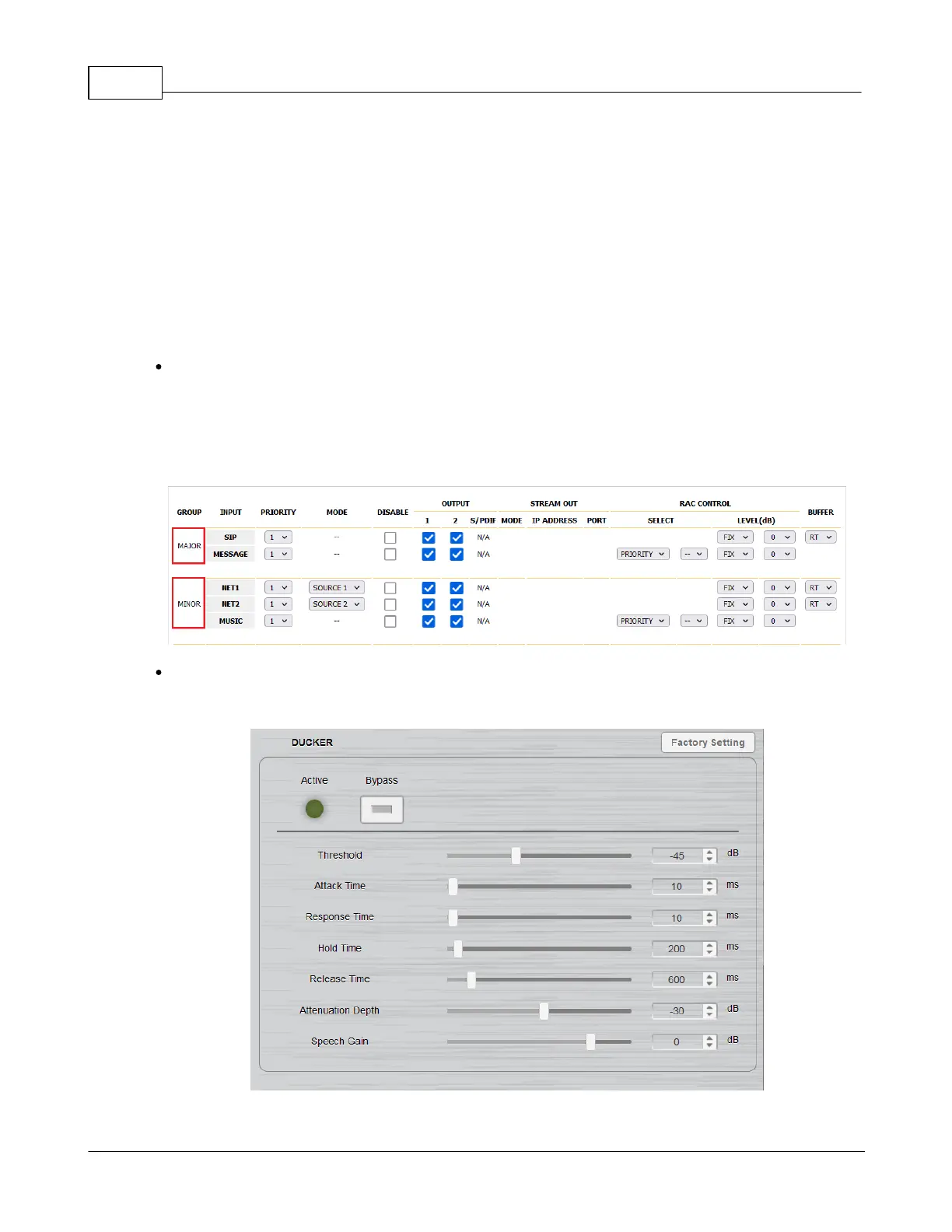
This setting is the same as [Audio Matrix], the button on the DSP page is the shortcut to jump to [Audio
Matrix].
Input settings are divided into Major and minor to distinguish priority.
4.7.4 Ducker
The Ducker lowers the level of one audio signal (NET1/ NET2/ Music Player) based upon the level of an



 To Next Page