Configuration-Web Browser 53
© 2022 Enter your company name
4.4.8.3 DSP Element Read
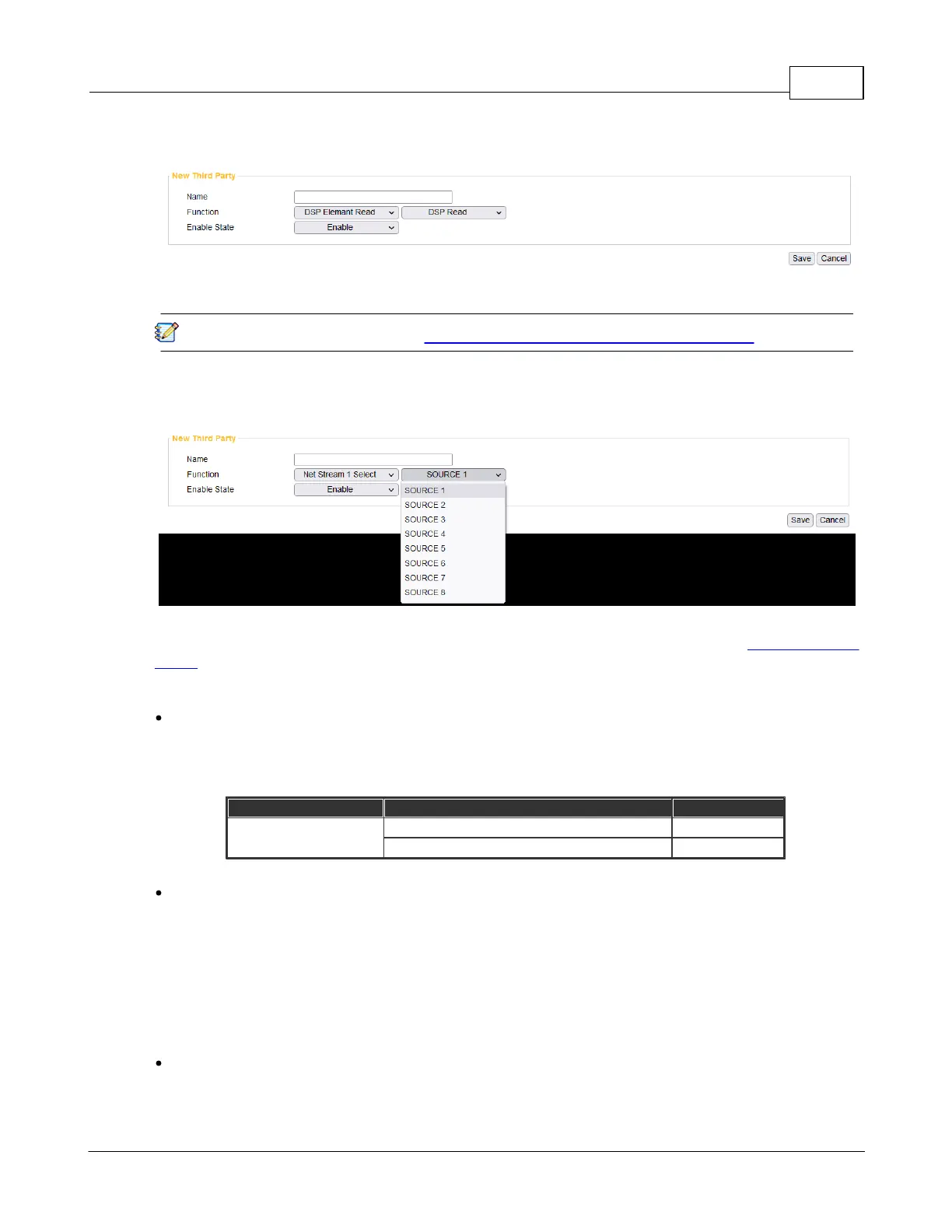
Make the 3rd party device to send the action command of [DSP Element Reas] to the IPSM/IPBX-
2C20.
The action was set by the user from Setup > Function Libraries > DSP Element Read.
4.4.8.4 Net Stream Select
Set the 3rd party commend, and choose to receive the network audio stream. Every Terracom device
provides 8 sets of [SOURCE], the setting of every [SOURCE] can be configured on Setup1 > Audio
Matrix.
Command
Choose the Network that receiving from [Net Stream 1] or [Net Stream 2], and to recognize which
audio stream source (channel 1~8) in a quicker way, please send string:n-c commend string behind
the [Name] string.
n indicates the number of network (NET)
c indicates the source channel
Command - Net Stream Select
If user would record the chosen audio source, please send the commend string (Name). The IPSM/
IPBX-2C20 device will send back in ASCII code as below.
o 200 (ASCII Code) indicates OK (received).
o 400 (ASCII Code) indicates NG (the 3rd party command sent from 3rd party device is not the
same as [Name] field).
Example
If users do not wish to send the 3rd party commend from [NET 1 SOURCE 1~8] and [NET 2
SOURCE 1~8] one by one, send string:n-c command string.


 To Next Page