Configuration-Web Browser 41
© 2022 Enter your company name
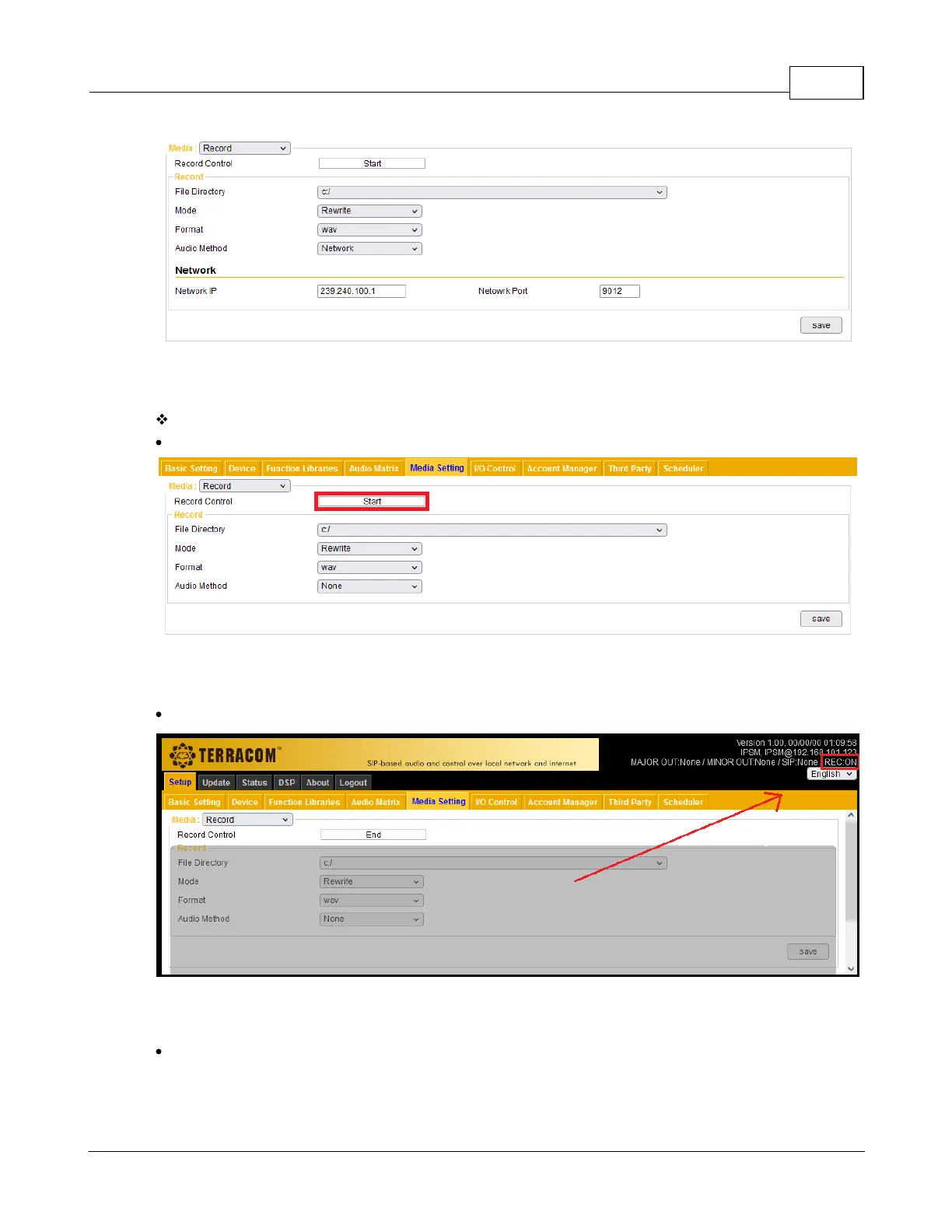
Record action
Start: Click this button to start recording.
The [REC ON] status will be shown on the top-right corner during recording.
End: Click this button to stop recording. Then the recorded file will be listed on Media Setting >
Management. See the picture as below.



 To Next Page