System Overview 7
© 2022 Enter your company name
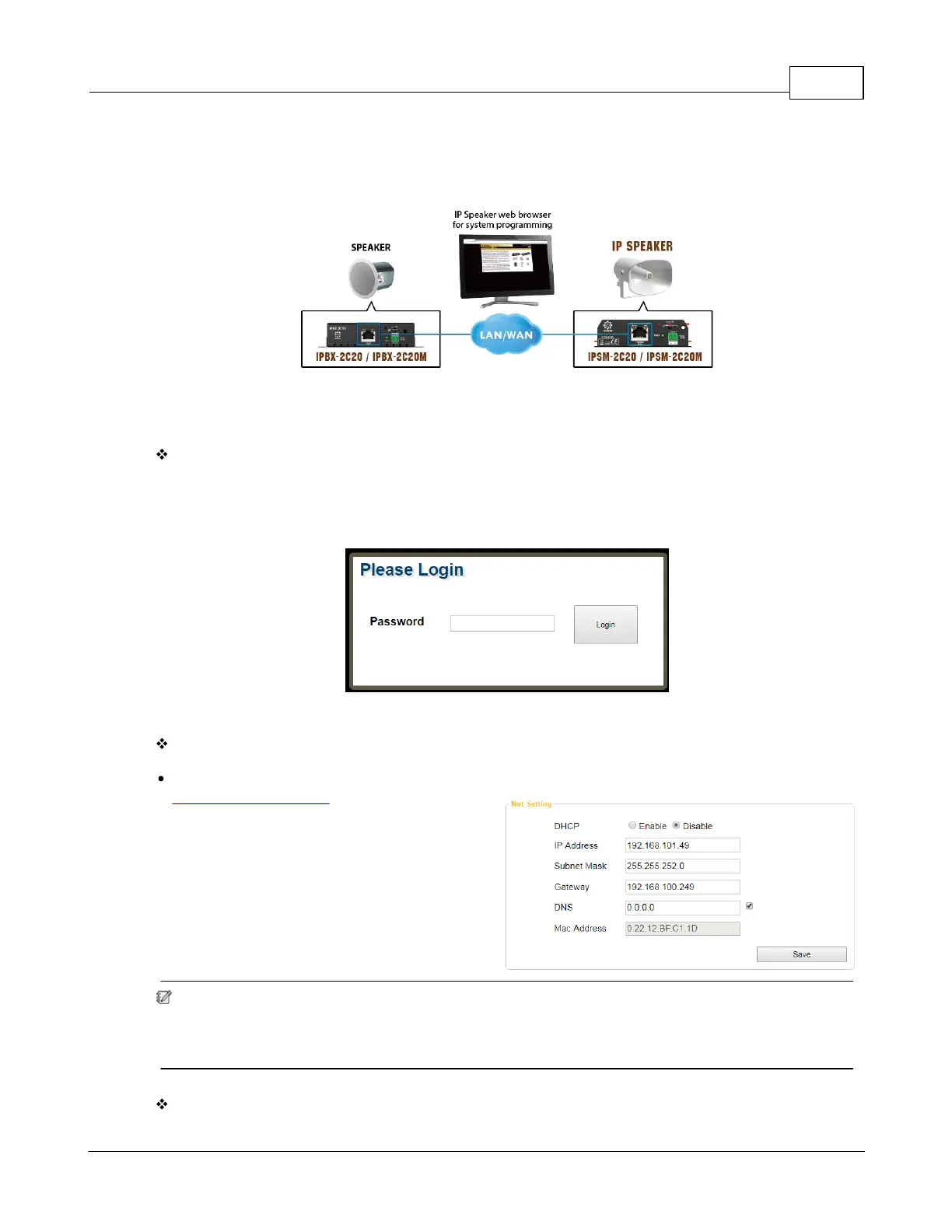
browser (we recommend Google Chrome or Mozilla Firefox). Each IP speaker is shipped from the
factory with a default IP address of 192.168.100.49, type the default IP address into the address bar.
Login
You will be asked for a login (By default: admin). After login, you can start to program the settings of
IP speaker.
Assign IP address to IP speaker
Change the IP address of your device at "
Machine > Setting > IP". After the settings have
been saved, please plug out & plug in the
Ethernet cable of IP speaker to reboot the IP
setting.
You might need to change the IP settings of your PC network card to be in the same network mask
as the new IP address of your IP speaker. To avoid the conflict issues when connecting multiple IP
speakers with the same IP address, be sure to only connect one IP speaker at a time to the
Ethernet switch when assigning IP addresses.
SIP Setting



 To Next Page