66 SoundSystem SiXPack 5.1 +
Menu Items
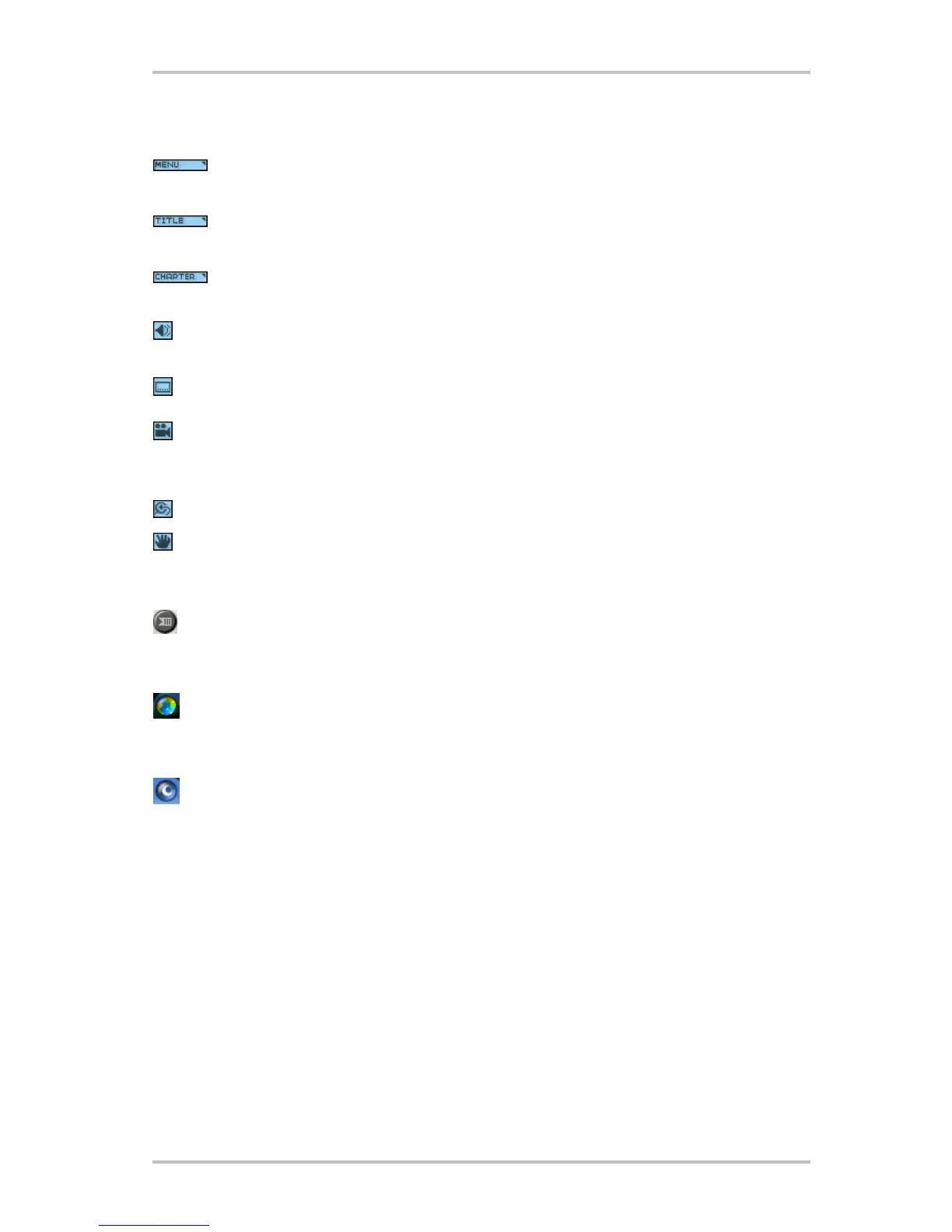
Displays all of the menus available (Root, Audio Language, Subtitles, etc.) on the
DVD disc currently being played and allows you to select a menu to navigate.
Opens a submenu showing you all of the titles available on the DVD disc currently
being played and allows you to select a new title to play back.
Opens a submenu showing you the chapter currently being played. You can select
another chapter from this menu.
Displays the current DVD discs audio track options. If multiple audio tracks or lan-
guage are available, use this menu to select your choice.
Displays the subtitle menu. If multiple language subtitles are available, use this
menu to select your choice.
When available, select the angle to view from a list of optional angles.
Zoom/Unzoom/Pan
If Zoom is already active, returns to normal view.
Pan the view around the screen to change the view.
Bookmarks
WinDVD automatically remembers the last viewed location of a DVD.
Web Button
Links to Internet website.
WinCinema Manager
Launch application of WinCinema family.



 To Next Page