c. Upload your weather data to Weathercloud.net
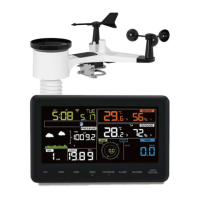
Input Weathercloud ID & Weathercloud Key, press Save. Then press
Next. Jump to the screen about Upload your weather data to
WeatherObservation Website (WOW)
If you don’t have Weathercloud ID and Key, press “ Register at
Weathercloud.net”to open your web browser to activating the Register
with Weathercloud.net option. Please refer 8.1.2.1 Register at
Weathercloud.net. The operation is same
4)
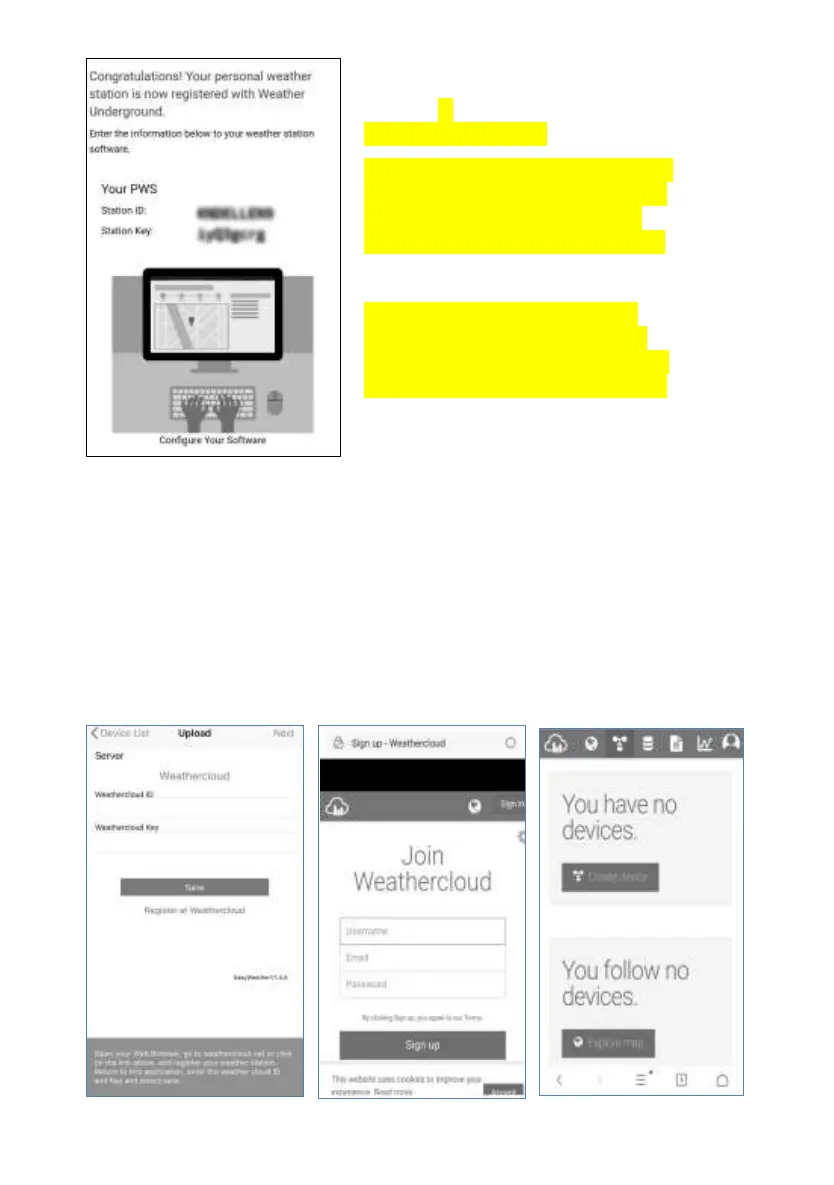
If register successfully,
you’ll receive a Station ID and Station
password / key. You will also receive
an e-mail about the information of
Station ID and Station password / key
Back to the Wunderground.com
uploading page, input Station ID &
Station Key, press Save. Your station
ID will be added on the WU StationID.


 To Next Page