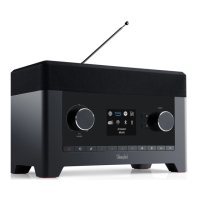
32 • RADIO 3SIXTY
There is a search function in the
station/podcast list:
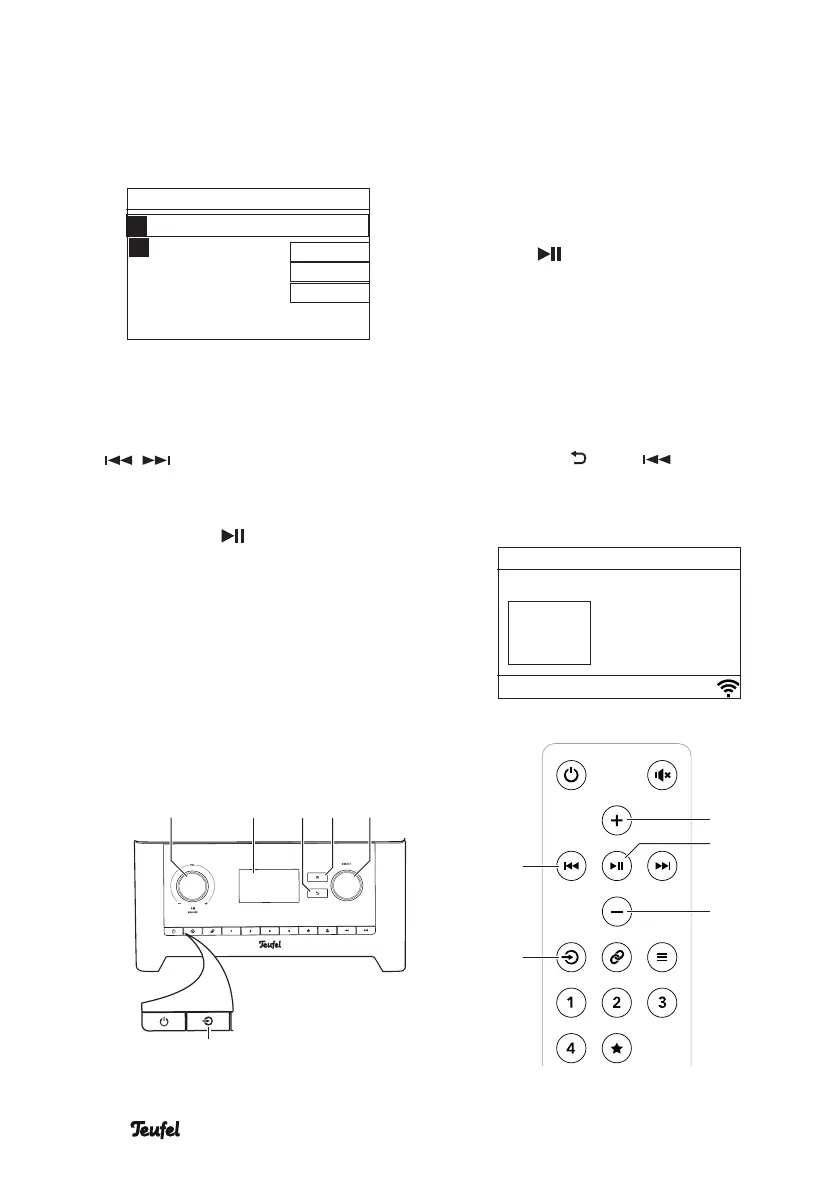
1. Select “Search” in the respective
menu.
Searching for
0 1 2 3 4 5 6
7 8 9 A B C
D E F G H I J
K L M N O P Q
R S T U V W X
CANCEL
OK
BKSP
2. Use the control SELECT (8) or the
buttons
+ (21) (up),
– (23) (down),
/ (29) (left/right)
to select a character.
3. By pushing the control SELECT (8)
or the button (22), you enter
the character at the top of the input
line.
[BKSP] deletes the last character,
[OK] ends input,
[CANCEL] aborts the process.
The RADIO 3SIXTY will now scan for
stations whose name contains the
search term and it will display them
in a list.
Playback
– From one of the lists, select the
desired station with the control
SELECT(8) or push the buttons
+(21) and – (23).
– Push the control SELECT(8) or the
button (22). Playback will begin
after a short loading time.
– By turning the control SELECT(8),
you return to the previous list
where you can select another
station.
– You can go back to the respective
parent list by repeatedly pushing
the button (6) or (29).
Internet radio
Station name
Radio text
6:36 PM
Station
logo
SELECTBACK
(29)
(27)
(21)
(23)
(22)
(5)(4)
(14)
(8)(6)(7)


 To Next Page